


You are writing a Kubernetes manifest. Your colleague sent the config as JSON. Your cluster expects YAML. You need to convert it without introducing a single whitespace error that silently breaks the entire deployment. This is the daily reality of DevOps engineering in 2026.
JSON vs YAML vs TOML: Know When to Use Each
These three formats all store structured data, but they exist for different audiences and different contexts.
JSON — The API Language
JSON (JavaScript Object Notation) is the default wire format for APIs. It is strict, unambiguous, and parseable by every programming language without libraries. Every HTTP response body, webhook payload, and configuration-as-code system started with JSON. Its weaknesses: no comments, verbose for humans to read and write, and deeply nested structures become a wall of braces.
{
  "server": {
    "host": "0.0.0.0",
    "port": 8080,
    "tls": true
  }
}
YAML — The DevOps Config Language
YAML (YAML Ain't Markup Language) became the dominant configuration format for infrastructure tools: Kubernetes, Docker Compose, GitHub Actions, Ansible, Helm charts, and ArgoCD all use YAML. It is human-readable, supports comments, and handles multi-line strings naturally. Its weakness: indentation is semantically significant. A misplaced two-space indent causes silent failures or cryptic errors.
server:
  host: "0.0.0.0"
  port: 8080
  tls: true
TOML — The Application Config Language
TOML (Tom's Obvious, Minimal Language) is the preferred config format for application-level settings files (Cargo.toml in Rust, pyproject.toml in Python, hugo.toml in Hugo). It is more explicit than YAML and less verbose than JSON, but sees limited use outside of application configs.
[server]
host = "0.0.0.0"
port = 8080
tls = true
| Format | Best For | Supports Comments | Whitespace Sensitive |
|---|---|---|---|
| JSON | APIs, data interchange | ❌ | ❌ |
| YAML | Infrastructure configs, CI/CD pipelines | ✅ | ✅ (critical) |
| TOML | Application settings files | ✅ | ❌ |
The Hidden Risk of YAML Indentation Errors
YAML's biggest danger is silent failure. Unlike JSON, which throws a parse error the moment the structure is wrong, a YAML file with incorrect indentation may still parse — but produce a completely different data structure than you intended. A key that should be nested under a parent becomes a sibling. An array item becomes a string. The Kubernetes apply command succeeds, but your deployment spec is subtly wrong.
Converting JSON to YAML by hand is error-prone even for experienced engineers. Pasting it into a random online converter risks exposing your internal configuration: service names, environment variable names, infrastructure topology, and secrets embedded in configs.
Bramhify's converter runs 100% in your browser — your configs stay on your device.
JSON to YAML / TOML Converter:

Step-by-Step Guide
Step 1: Paste Your JSON
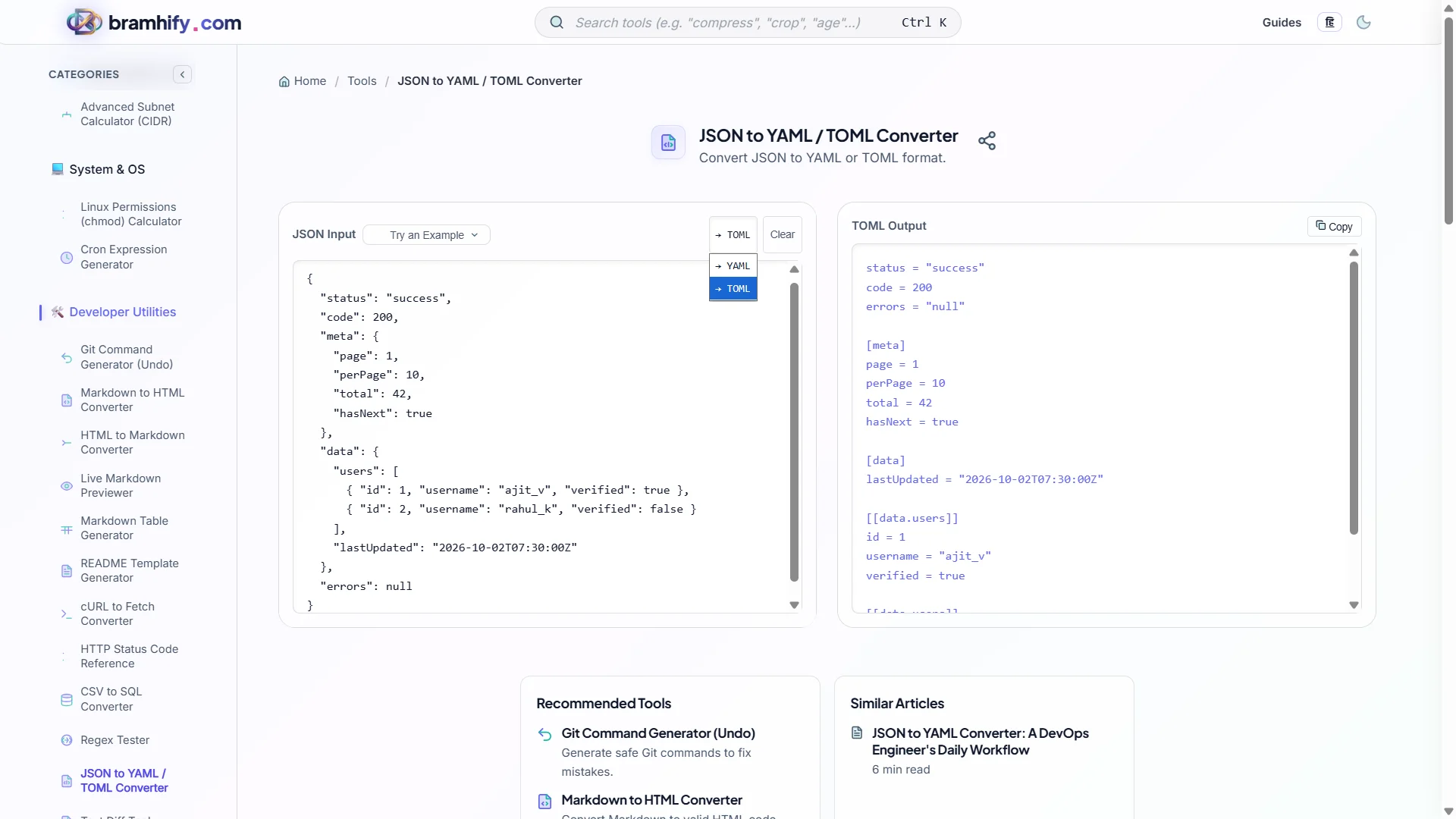
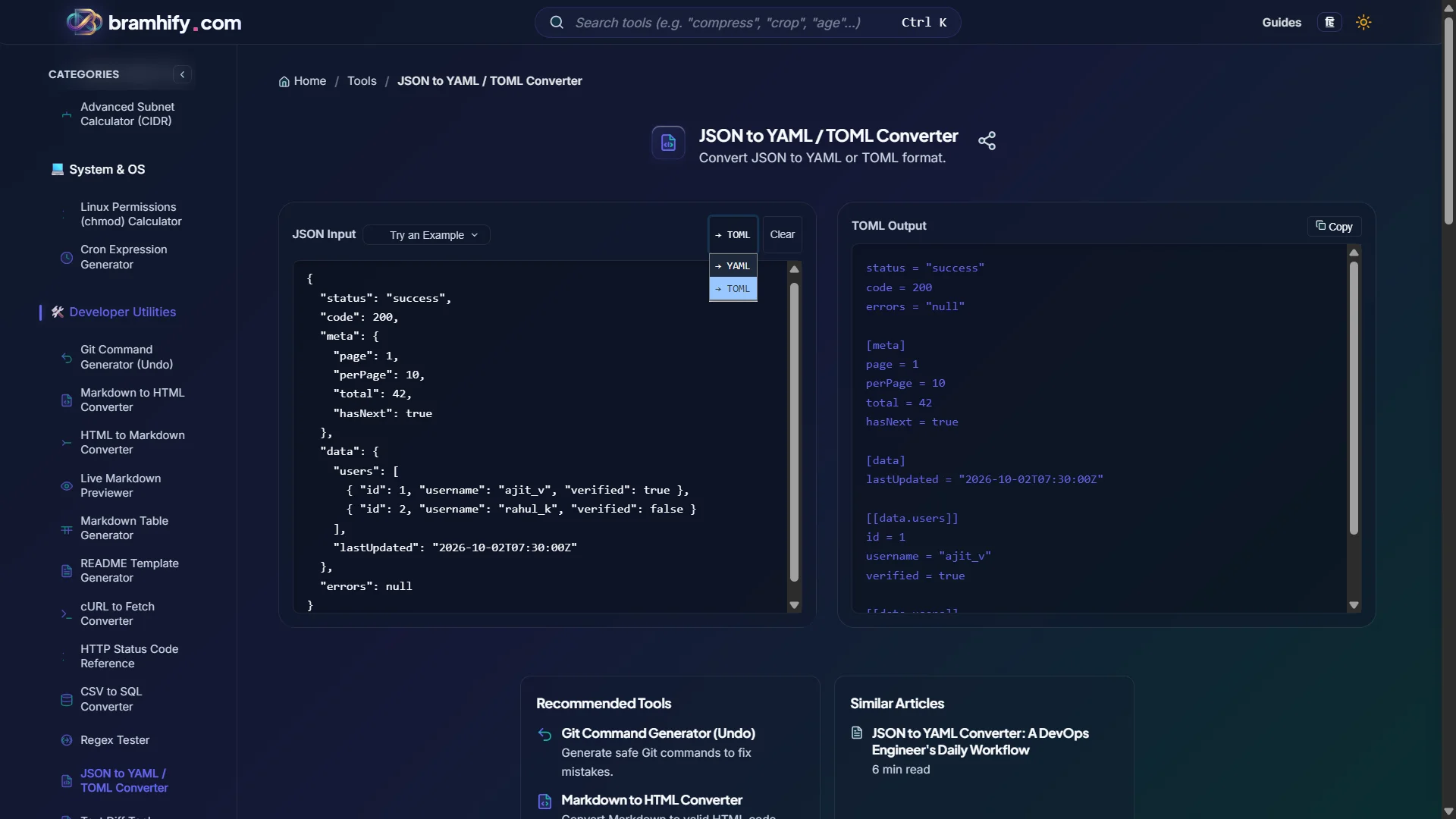
Open the JSON to YAML Converter and paste your JSON into the input panel. The tool validates your JSON first — if there is a syntax error, it will surface it before attempting conversion so you fix the source, not the output.
Step 2: Select Output Format
Choose YAML or TOML from the format toggle. For Kubernetes manifests, Helm charts, GitHub Actions, and Docker Compose: choose YAML. For Rust, Python, or Hugo application configs: choose TOML.
Step 3: Review the Output Carefully
Read through the converted output — do not just copy-paste blindly. Verify that nested structures preserved their hierarchy. Check that arrays are formatted as YAML sequences (lines starting with -), not collapsed into a single line. Pay extra attention to keys that contain special characters — these may need quoting in YAML.
Step 4: Copy and Deploy
Tap Copy and paste directly into your manifest file or CI/CD pipeline config. For Kubernetes, run kubectl apply --dry-run=client -f manifest.yaml before deploying to catch any structural issues before they hit your cluster.
Real-World DevOps Conversions
Kubernetes Deployment Manifests
Teams often prototype Kubernetes configs in JSON (because it is easier to generate programmatically) and then need to convert to YAML for maintainability and readability. The converter handles all Kubernetes-specific structures including multi-document files and --- separators.
GitHub Actions Workflow Files
GitHub Actions workflows are YAML. If you have been storing pipeline config as JSON in a CI generation tool and need to output a .github/workflows/deploy.yml, this is the exact workflow.
Helm Chart Values
Helm chart values.yaml files are YAML. If your deployment tooling generates JSON config, convert it to YAML before committing to your Helm chart repository.
Frequently Asked Questions (FAQs)
Why do Kubernetes and Docker Compose prefer YAML over JSON?
Both formats are technically supported. YAML won because it is dramatically more readable for humans writing and reviewing configuration. Comments are also critical in infrastructure configs — you need to document why a specific timeout or replica count was set. JSON does not support comments, making it poorly suited for configs maintained by a team over months.
Can YAML have duplicate keys?
The YAML specification says duplicate keys are an error, but most parsers handle them silently by using the last value. This is a source of subtle bugs in large config files. JSON parsers similarly vary — some error on duplicates, others silently use the last value. Always lint your YAML with a strict linter (yamllint) in CI to catch duplicates before deployment.
What is the difference between YAML null, ~, and an empty value?
In YAML, null, ~, and an empty value (just a key with no value) all represent null/nil. They are semantically identical. When converting from JSON, JSON null becomes YAML null. The ~ shorthand is valid but less common — prefer explicit null for clarity in team environments.
See also: JSON Formatter Online: Validate & Beautify JSON Privately