


The difference between a junior developer struggling to keep up and a highly productive engineer often comes down to their tooling. While IDEs like VS Code are fantastic, true speed and mastery come from living in the terminal.
If you are still using your mouse to navigate directories, format files, or search through logs, you are wasting hours every week.
The Hidden Risk of GUI Dependency
Relying entirely on Graphical User Interfaces (GUIs) creates a massive bottleneck. When you eventually need to SSH into a remote Linux server to debug a production issue, your GUI won't be there to save you. A developer who freezes when faced with a raw bash prompt is a developer who cannot resolve critical incidents.
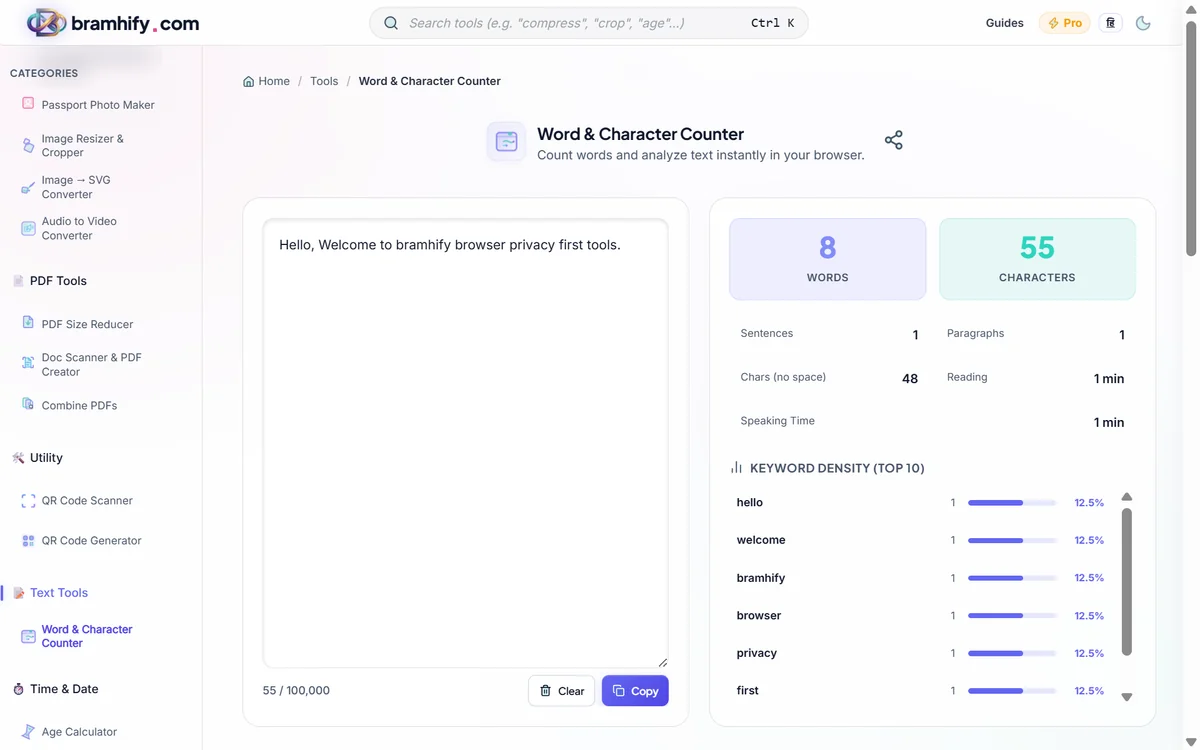
Furthermore, many productivity tasks like counting characters in an essay, tracking words for a commit message, or verifying string lengths shouldn't require opening a heavy word processor.
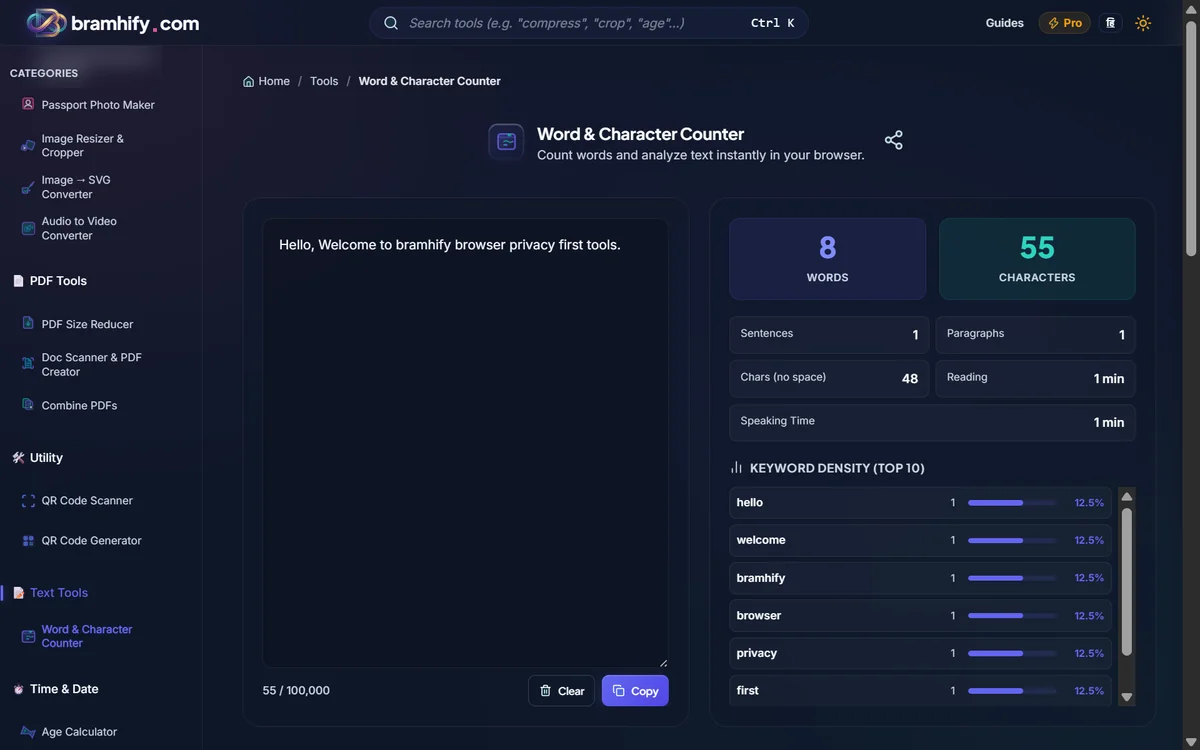
Word Counter Tool:

10 CLI Tools to Install Today
Upgrade your terminal experience with these modern command-line utilities.
1. Oh My Zsh (or Oh My Posh)
The ultimate terminal framework. It provides incredible themes, git status indicators directly in your prompt, and hundreds of plugins for autocomplete and alias management.
2. fzf (Fuzzy Finder)
A general-purpose command-line fuzzy finder. Instead of typing exact file paths, just type fzf, start typing part of the filename, and let it instantly find the file across your entire project.
3. ripgrep (rg)
An exponentially faster alternative to grep. It respects your .gitignore files automatically and searches through millions of lines of code in milliseconds.
4. bat
A clone of the cat command with built-in syntax highlighting and Git integration. Reading files in the terminal has never looked so good.
5. tldr
Too long; didn't read. Instead of reading massive man pages, tldr gives you practical, common-use examples of command-line tools. E.g., tldr tar gives you the exact command to extract an archive.
6. zoxide
A smarter cd command. It remembers which directories you use most frequently, so you can just type z project to jump to your project folder from anywhere.
7. jq
The ultimate Swiss army knife for parsing and manipulating JSON data in the terminal. Essential for anyone working with APIs.
8. eza
A modern replacement for ls. It provides color-coded icons, better tree views, and git integration to make directory listing actually readable.
9. tmux
A terminal multiplexer. It allows you to run multiple terminal sessions inside a single window, split panes, and most importantly, detach from a session and reattach later (vital for remote servers).
10. gh (GitHub CLI)
Create pull requests, review code, and check issue statuses entirely from the command line without opening your browser.
Frequently Asked Questions (FAQs)
Are CLI tools really faster than a GUI?
Yes, dramatically so. Once you build the muscle memory for tools like fzf and ripgrep, you can search, navigate, and edit files in a fraction of the time it takes to move your hand to a mouse and click through menus.
How do I measure string limits for my git commits?
Many teams enforce a 50-character limit on git commit titles. Instead of guessing, you can quickly draft your message in our local Word Counter to ensure it meets character and word limits perfectly before committing.
Do these tools work on Windows?
Most of these tools work natively on macOS and Linux. For Windows users, we highly recommend installing WSL2 (Windows Subsystem for Linux), which gives you a full, native Linux terminal environment where all these tools shine.