


You see Base64 everywhere in a developer's daily life — in API request headers, in JWTs, in email attachments, in data URIs for CSS backgrounds. Yet many developers reach for it instinctively without fully understanding what it is, when it is appropriate, and critically, when it is not a substitute for encryption.
What Is Base64 and Why Does It Exist?
Base64 is a binary-to-text encoding scheme that represents binary data using only 64 printable ASCII characters: A-Z, a-z, 0-9, +, and / (with = for padding). The number 64 is significant because 64 = 2^6, meaning each Base64 character encodes exactly 6 bits of binary data.
It was invented to solve a specific problem: many systems that were designed to handle text cannot safely transmit binary data. Email protocols (SMTP), HTTP headers, URLs, and XML all have special meanings for certain byte values (null bytes, newlines, angle brackets). Base64 converts arbitrary binary into a safe, ASCII-only representation that survives these systems intact.
Where You Encounter Base64 as a Developer
| Use Case | Example | Why Base64? |
|---|---|---|
| HTTP Basic Auth | Authorization: Basic dXNlcjpwYXNz | Headers must be ASCII; combines user:pass into safe text |
| JWT tokens | The middle section of any JWT | Encodes JSON payload as URL-safe text |
| Data URIs | background: url('data:image/png;base64,...') | Embeds binary image directly in CSS/HTML |
| Email attachments | MIME encoding | SMTP cannot transmit raw binary |
| API credentials | Many APIs accept key:secret in Base64 | Encodes credentials for headers |
| SSH keys | The content of ~/.ssh/id_rsa.pub | Encodes public key binary as printable text |
The Hidden Risk: Base64 Is Not Encryption
This is the most dangerous misconception in software development. Base64 looks scrambled. It is not. Any developer can decode it in seconds. If you Base64-encode a password, API secret, or private message, you have added zero security — only the illusion of it.
What this means in practice:
- Never store passwords as Base64 — use bcrypt or Argon2
- Never Base64-encode sensitive config values and call them "encrypted"
- The fact that you cannot read
dXNlcjpwYXNzat a glance does not mean it is protected
Base64 is an encoding (format transformation), not encryption (secret transformation requiring a key).
A second risk: online Base64 tools that process data server-side are common, and if you are encoding an API key, a private token, or a credential string, you may be exposing it. Bramhify's Base64 Encoder/Decoder runs 100% in your browser using JavaScript's native btoa() and atob() functions. Nothing is transmitted.
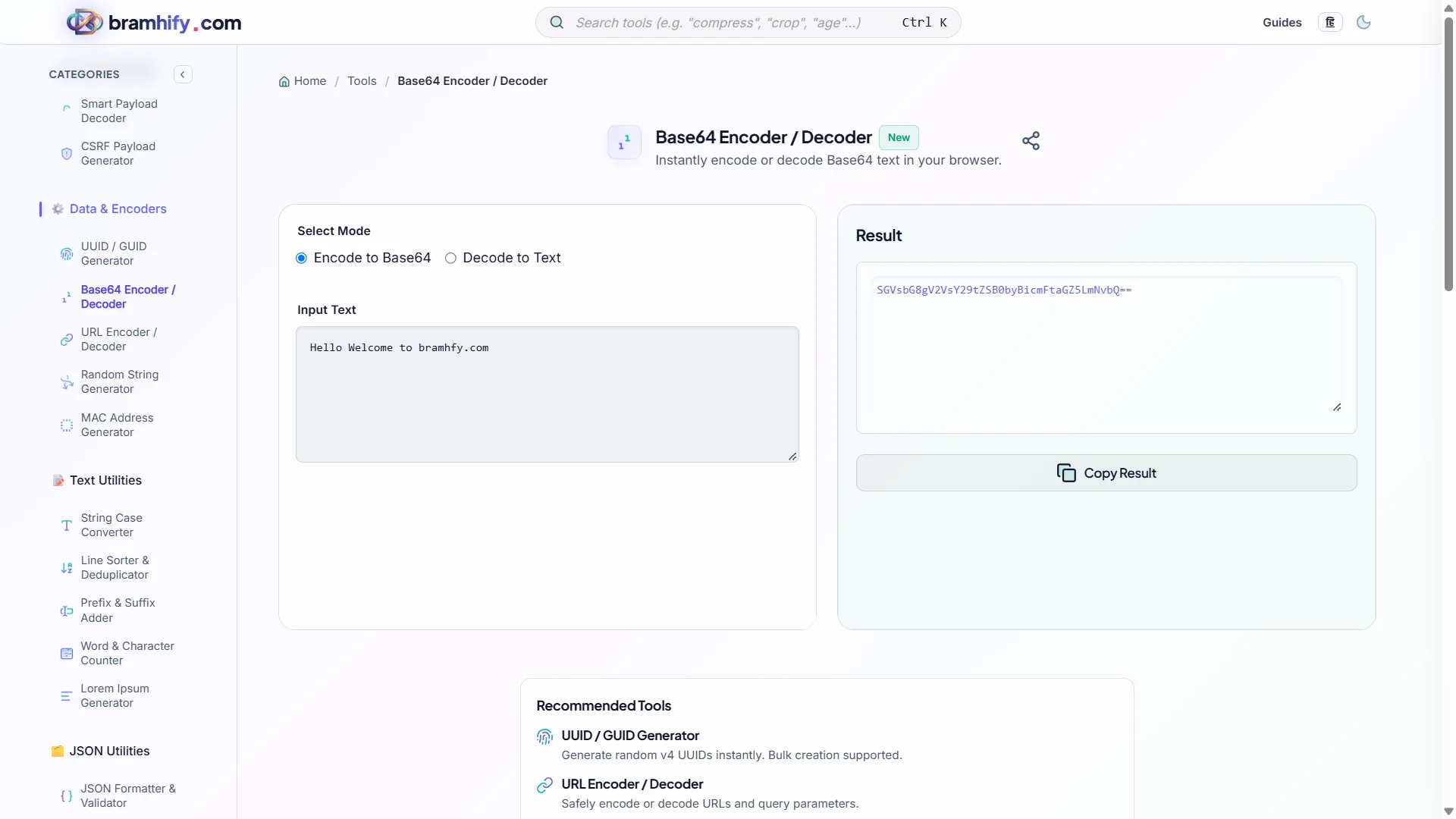
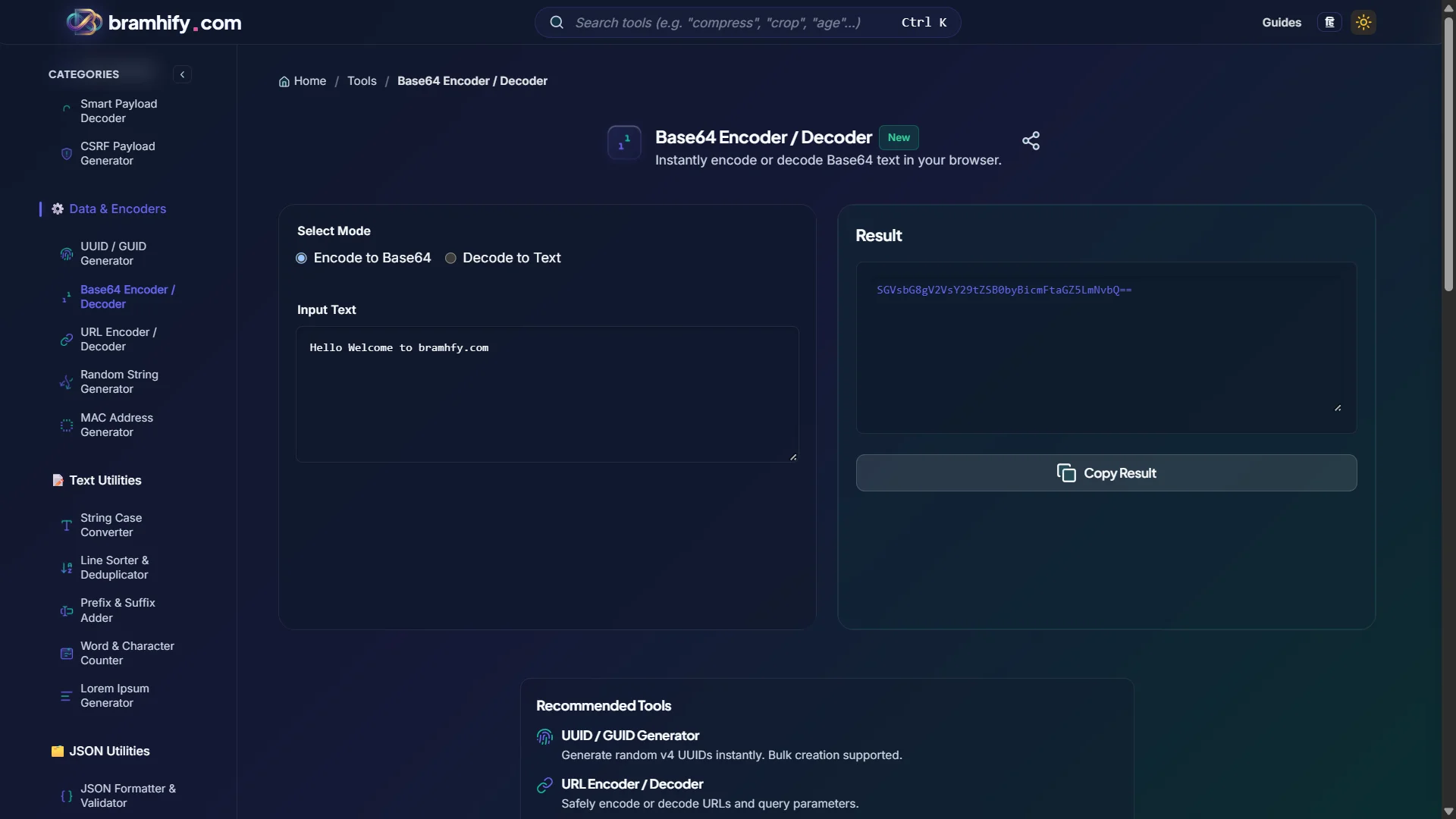
Base64 Encoder / Decoder:

Step-by-Step Guide
Step 1: Choose Encode or Decode
Open the Base64 Encoder/Decoder and select your mode. Encode converts plain text to Base64. Decode converts a Base64 string back to the original text.
Step 2: Paste Your Input
Paste your text into the input area. The tool processes in real-time — you see the output updating as you type. The tool fully supports UTF-8, including emojis and Devanagari script, so Indian-language text encodes correctly without character corruption.
Step 3: Copy the Output
Tap the Copy button to grab the encoded or decoded result. The tool handles the encoding instantly without any network request.
Practical Developer Workflows
Decoding an HTTP Basic Auth Header
When debugging an API, you often see headers like Authorization: Basic dXNlcjpwYXNz. To see the actual credentials: copy the Base64 portion (dXNlcjpwYXNz), switch to Decode mode, and paste. You will see user:pass — the username and password separated by a colon. This is exactly how Basic Auth works.
Building a Data URI for a Small Image
If you need to embed a tiny image inline in your CSS or HTML without an external file request, convert it to a data URI: data:image/png;base64,{encoded-content}. Note that Bramhify's current tool encodes text only — for file-to-Base64 conversion, use a dedicated file encoder or btoa() with a FileReader in your browser console.
Inspecting JWT Payloads Manually
A JWT's payload section is Base64Url encoded (uses - and _ instead of + and /, and omits padding =). To decode it manually: copy the middle section, replace - with + and _ with /, add = padding if needed, then decode. Easier: just use the dedicated JWT Decoder tool which handles all of this automatically.
Frequently Asked Questions (FAQs)
Why does Base64 output sometimes end with = or ==?
The = characters are padding. Base64 encodes 3 bytes of input into 4 characters of output. When the input length is not divisible by 3, padding is added to make the output length a multiple of 4. One = means one padding byte was added; == means two. This is normal and expected — do not strip the padding or the decoder will produce incorrect output.
What is the difference between Base64 and Base64Url?
Standard Base64 uses + and / as its 62nd and 63rd characters. These characters have special meanings in URLs (query string separators, path delimiters), so Base64Url replaces them with - and _. Base64Url is used wherever encoded data appears in URLs — notably in JWTs and OAuth tokens. Most standard decoders accept both variants if you swap the characters before decoding.
Does Base64 encoding increase data size?
Yes — by approximately 33%. Every 3 bytes of input produces 4 characters of output (each character represents 6 bits). So a 100-byte string becomes approximately 136 Base64 characters. This is an important consideration when embedding large data URIs in CSS — it trades one HTTP request for 33% larger CSS file size. For small icons and logos, the trade-off is usually worth it; for larger images, it is not.
See also: SHA256 vs MD5: Hash Generator Guide for Developers