


A cron job running at the wrong time in production is one of those bugs that is embarrassingly difficult to diagnose. The job ran, just not when you thought it would. The logs are correct. The code is fine. The problem was a five-field expression you wrote in thirty seconds that you never properly verified.
Cron Syntax: The Five Fields You Must Know
A standard cron expression has five fields separated by spaces:
┌──── Minute (0-59)
│  ┌─── Hour (0-23)
│  │  ┌── Day of Month (1-31)
│  │  │  ┌─ Month (1-12 or JAN-DEC)
│  │  │  │  ┌ Day of Week (0-7, 0 and 7 = Sunday, or SUN-SAT)
│  │  │  │  │
*  *  *  *  *
| Character | Meaning | Example |
|---|---|---|
* | Every value | * * * * * — runs every minute |
, | List of values | 0 9,17 * * * — 9 AM and 5 PM |
- | Range | 0 9-17 * * * — every hour from 9 AM to 5 PM |
/ | Step | */15 * * * * — every 15 minutes |
L | Last (Quartz only) | 0 0 L * * — last day of month |
The Traps That Bite Every Developer
Trap 1: Timezones. Cron runs in the server's timezone by default, not yours. A job you think runs at 9 AM IST might actually fire at 3:30 AM if your server is in UTC.
Trap 2: Day-of-month + Day-of-week interaction. Setting both 15 in the day-of-month field and MON in the day-of-week field does not mean "the 15th AND only if it's a Monday." In standard Unix cron, it means "the 15th OR any Monday" — an OR, not an AND.
Trap 3: No seconds field in standard Unix cron. The familiar 5-field format has no seconds. If you need sub-minute precision, you need a different scheduler (Quartz for Java, node-cron with 6 fields for Node.js, or AWS EventBridge with its own syntax). Confusing these formats is a common source of silent failures.
The Hidden Risk of Building Cron Expressions Blind
Most developers write cron expressions based on memory and guess-check them in production. This works until it does not — a missed database backup, an email campaign that fires at 3 AM instead of 3 PM, or a cleanup job that runs every minute instead of every hour because of a misplaced asterisk.
The gold standard tool is crontab.guru, which provides an excellent plain-English preview. However, it is server-rendered, and for teams in regulated industries, even entering cron schedules that reveal your application's operational cadence (backup frequency, reporting cycles, billing intervals) into a third-party tool may be a policy violation.
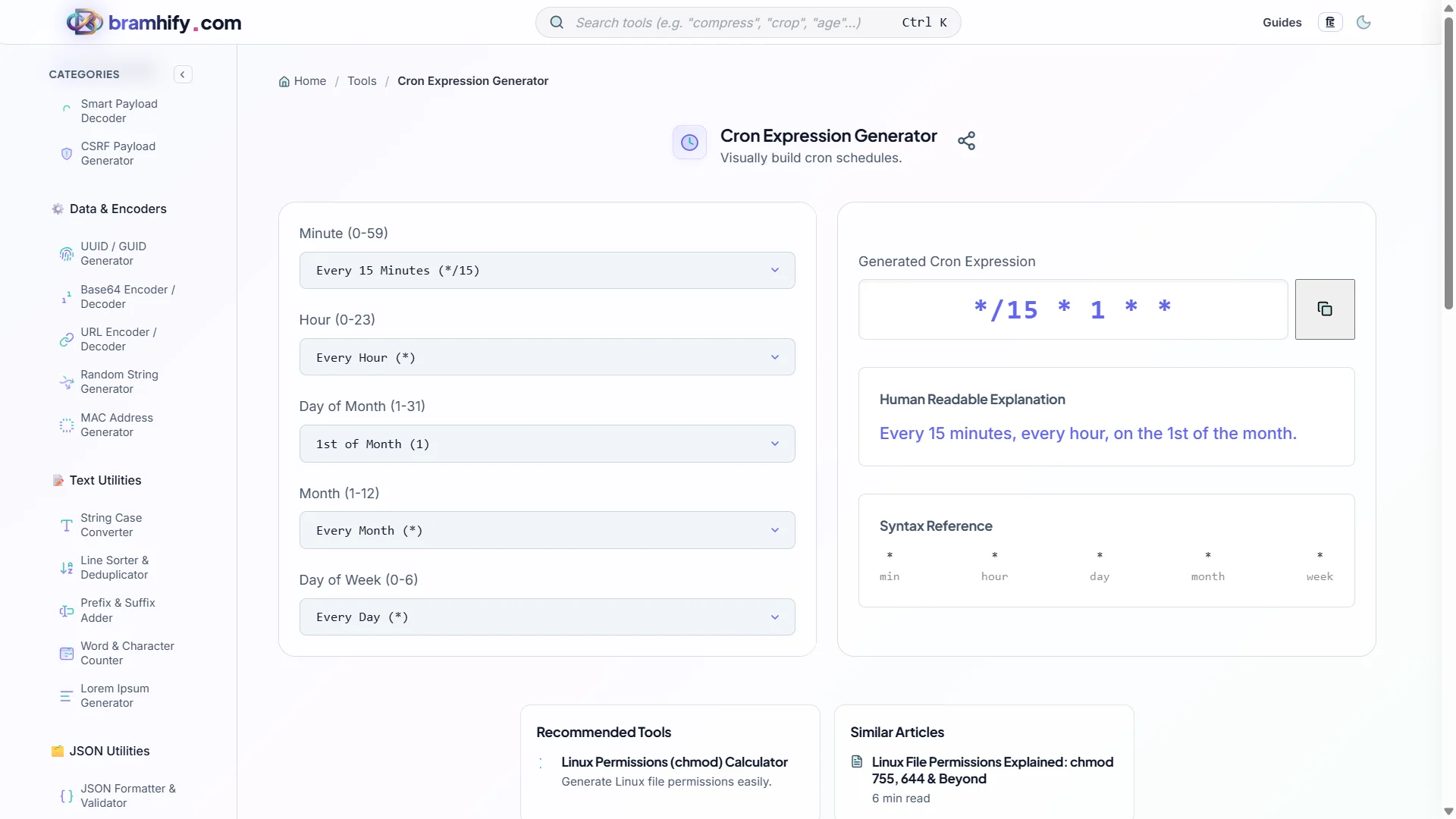
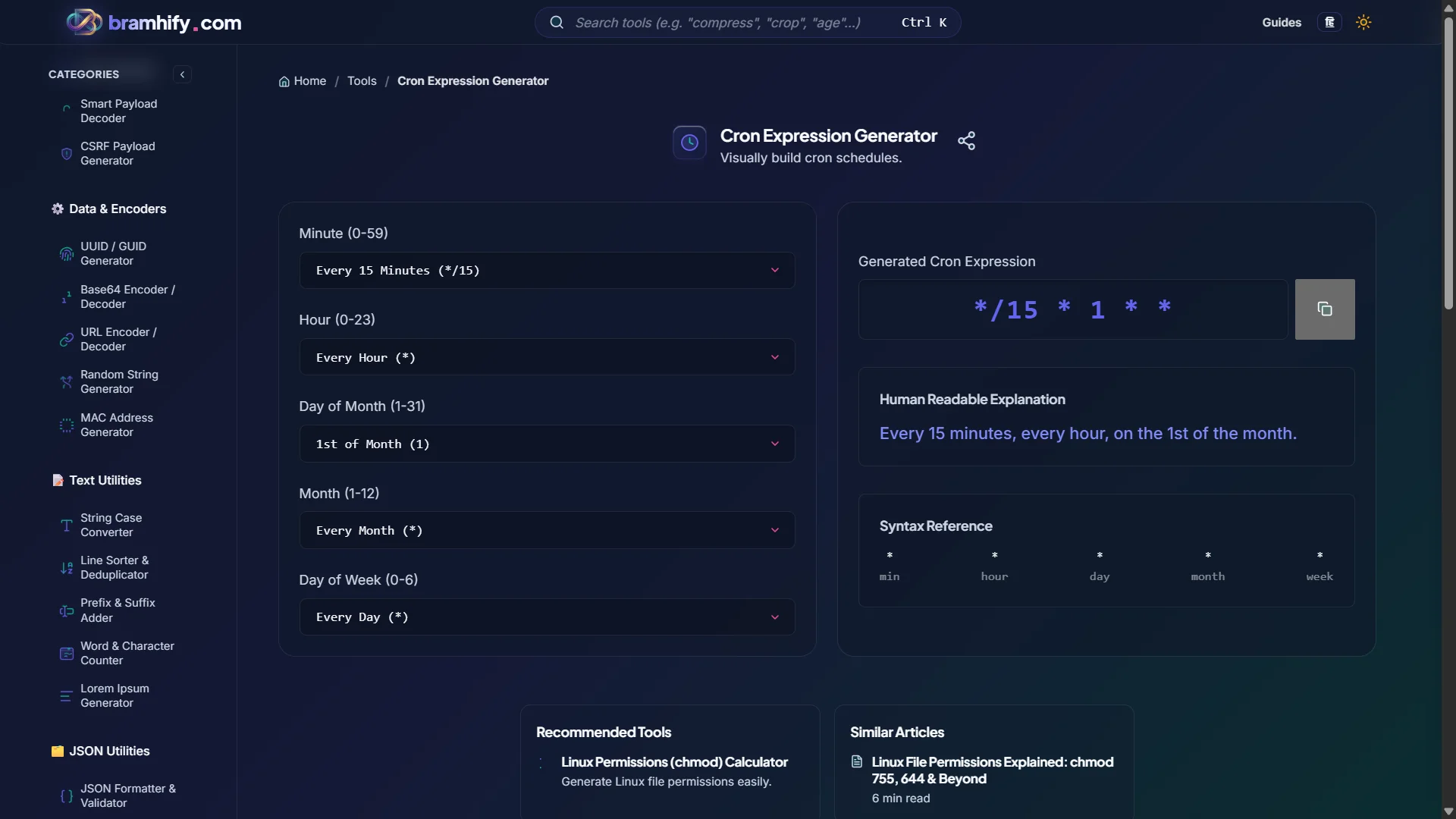
Bramhify's Cron Expression Generator builds and previews your schedules 100% in your browser — no data leaves your device.
Cron Expression Generator:

Step-by-Step Guide
Step 1: Describe Your Schedule in Plain English
Before touching a cron expression, write out what you actually want in plain language: "Run every day at 6 PM UTC", "Run every 30 minutes between 9 AM and 6 PM on weekdays", "Run on the 1st of every month at midnight". This prevents the most common mistake of building a cron expression without a clear target.
Step 2: Use the Visual Builder
Open the Cron Generator and use the visual toggles and dropdowns to select your schedule. The tool builds the expression character by character as you select options. Watch the plain-English preview update live — this is your ground truth for whether the expression means what you think it means.
Step 3: Check the Next Run Times
The tool shows you a list of upcoming trigger timestamps. Read through at least 5-6 of them carefully. Does the first run match when you expect? Is it running at 9 AM or 9 PM? Is it running every day or only on weekdays?
Step 4: Test It in a Staging Environment
Copy the expression and deploy it to your staging environment first. Let it run at least once before pushing to production. For long-interval jobs (daily, weekly), temporarily change the expression to */5 * * * * (every 5 minutes), verify it triggers correctly, then restore the real expression.
Common Cron Expressions Reference
| Expression | Meaning |
|---|---|
0 * * * * | Every hour, on the hour |
*/15 * * * * | Every 15 minutes |
0 9 * * 1-5 | 9 AM Monday–Friday |
0 0 * * * | Midnight every day |
0 0 1 * * | Midnight on the 1st of every month |
0 0 * * 0 | Midnight every Sunday |
30 8 * * 1 | 8:30 AM every Monday |
0 9,17 * * 1-5 | 9 AM and 5 PM, weekdays only |
Frequently Asked Questions (FAQs)
What is the difference between 5-field and 6-field cron expressions?
Standard Unix/Linux cron uses 5 fields (minute, hour, day-of-month, month, day-of-week). Some schedulers — notably Quartz (Java), AWS EventBridge, and many Node.js libraries like node-cron — add a 6th field at the beginning for seconds, or a 7th for years. Always check your specific scheduler's documentation before copying an expression from online.
How do I schedule a cron job to run every 5 minutes?
Use */5 * * * *. The */5 in the minutes field means "every value that is a multiple of 5" — so 0, 5, 10, 15, and so on. The * in all other fields means "any value". This expression fires at :00, :05, :10, etc., of every hour, every day.
Why did my cron job run at the wrong time?
Nine times out of ten: timezone mismatch. Your cron daemon runs in the server's system timezone (often UTC on cloud servers). If you wrote 0 9 * * * meaning 9 AM IST, but your server is UTC, it runs at 9 AM UTC — which is 2:30 PM IST. Always explicitly set TZ=Asia/Kolkata (or your desired timezone) in your crontab or scheduler configuration.
See also: Top AI & Developer Productivity Tools to Master in 2026