


Whether you are debugging low-level wire protocols, solving a Capture The Flag (CTF) challenge, studying for a computer science exam, or verifying UTF-8 multi-byte character encoding, translating raw 01001000 01101001 bitstreams into readable text by hand is slow and error-prone. One dropped zero shifts every subsequent byte into garbled output.
Why Offline Binary Decoding Matters for Developers & CTF Players
Many online binary converters submit your payload to a remote server or silently break whenever you paste non-ASCII Unicode characters (such as emojis, accented European letters, or Hindi/CJK scripts) because they assume naive 7-bit ASCII instead of UTF-8.
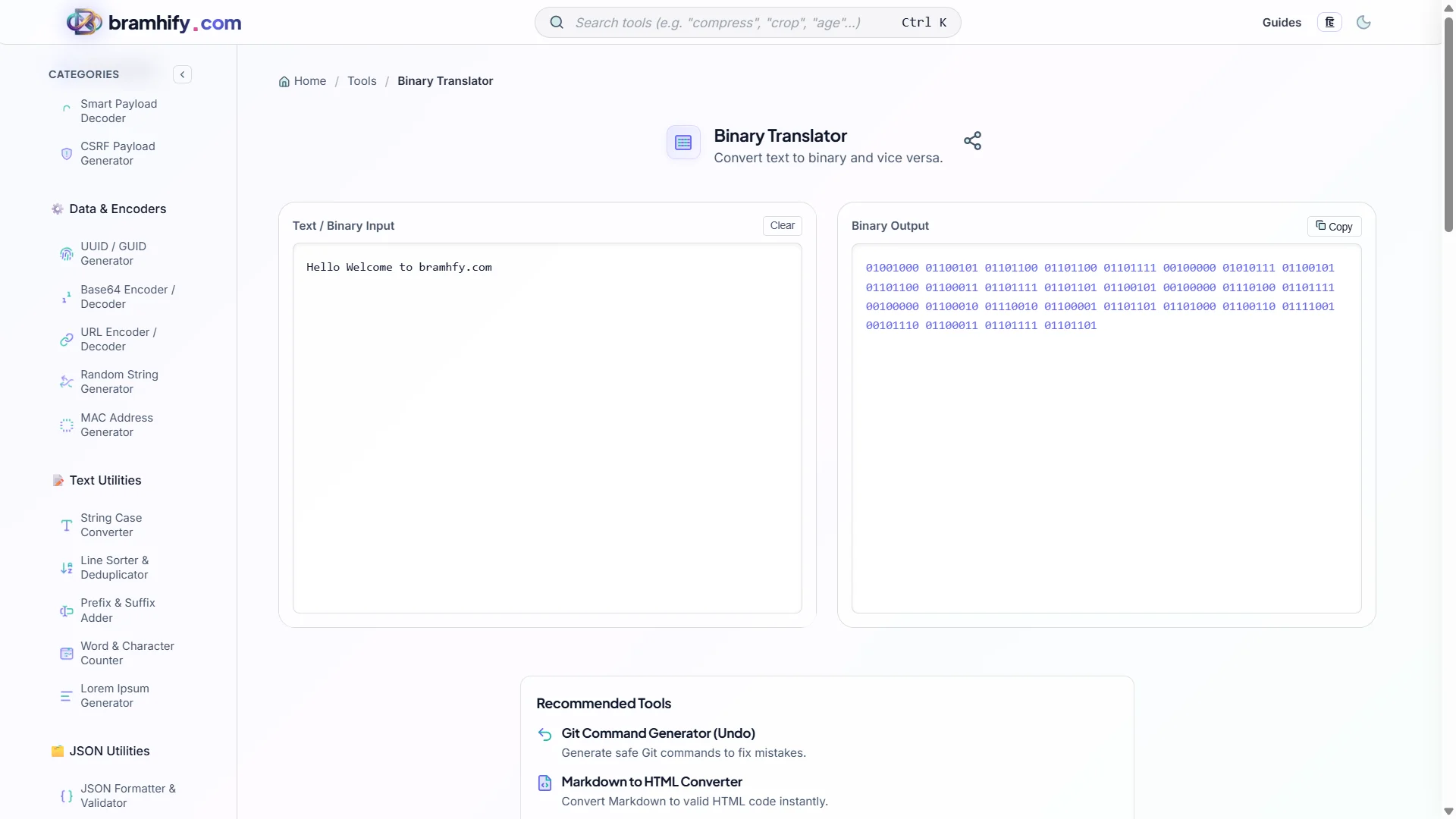
Bramhify's Binary Translator runs 100% locally inside your browser with full UTF-8 multi-byte encoding, 4 output formatting styles (space-separated, comma-separated, continuous bitstream, and 0b prefixed literals), and forgiving binary-to-text decoding that automatically handles mixed separators.
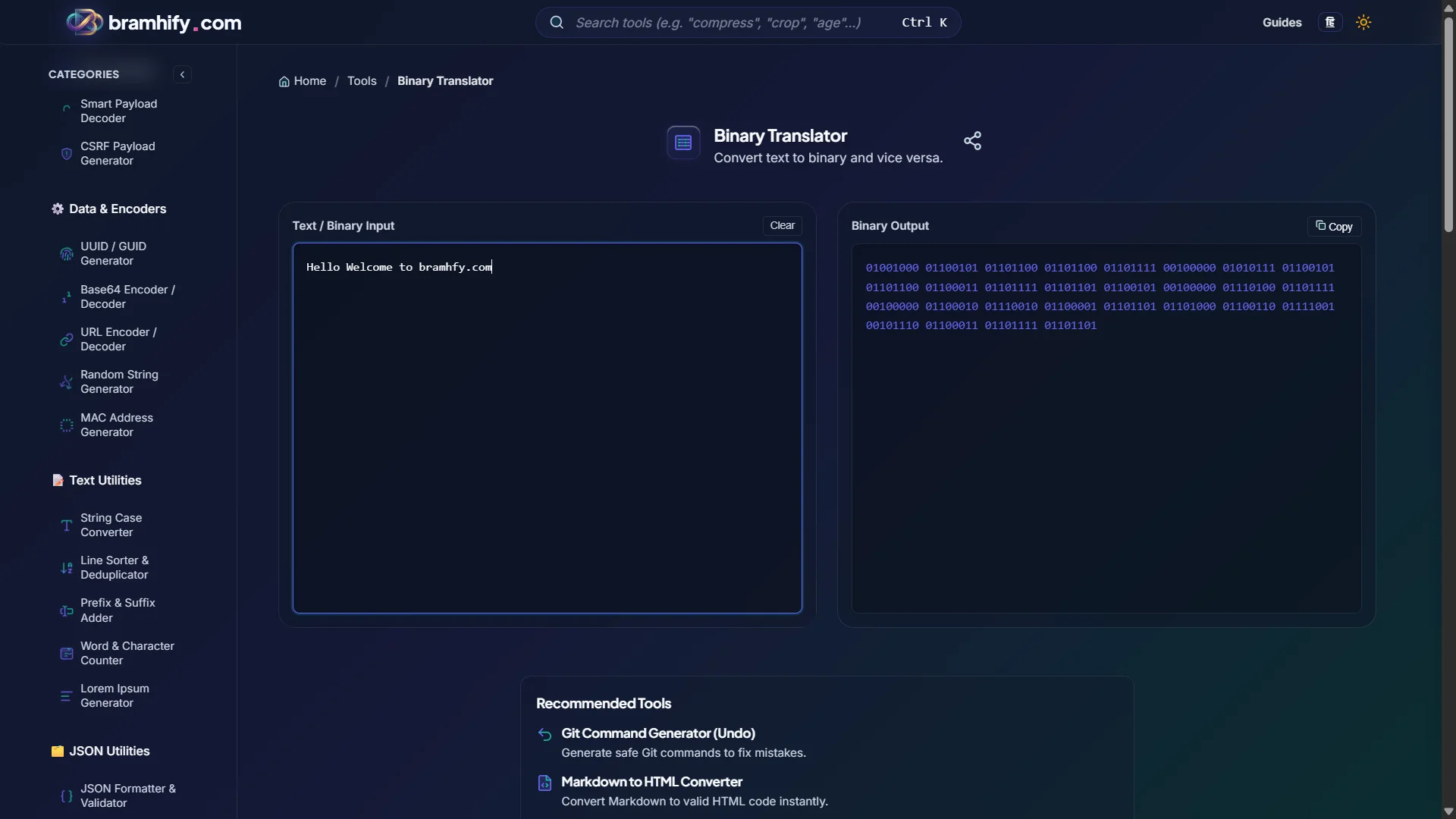
Binary Translator:

How 8-Bit Binary-to-ASCII Conversion Works (Manual Math)
Each standard ASCII character occupies 1 byte (8 bits). Each bit position represents a descending power of 2 from 128 down to 1:
| Bit Position | 2⁷ | 2⁶ | 2⁵ | 2⁴ | 2³ | 2² | 2¹ | 2⁰ |
|---|---|---|---|---|---|---|---|---|
| Decimal Weight | 128 | 64 | 32 | 16 | 8 | 4 | 2 | 1 |
Example: A (65) | 0 | 1 | 0 | 0 | 0 | 0 | 0 | 1 |
Example: a (97) | 0 | 1 | 1 | 0 | 0 | 0 | 0 | 1 |
Notice the clever ASCII design shortcut: uppercase A–Z always starts with 010, lowercase a–z always starts with 011 (just flipping the 32 bit!), and digits 0–9 always start with 0011 followed by the 4-bit binary value of the digit itself.
Quick ASCII Binary Reference Cheat Sheet
| Digit | Dec | 8-Bit Binary | Upper | Dec | 8-Bit Binary | Lower | Dec | 8-Bit Binary |
|---|---|---|---|---|---|---|---|---|
0 | 48 | 00110000 | A | 65 | 01000001 | a | 97 | 01100001 |
1 | 49 | 00110001 | B | 66 | 01000010 | b | 98 | 01100010 |
2 | 50 | 00110010 | C | 67 | 01000011 | c | 99 | 01100011 |
3 | 51 | 00110011 | D | 68 | 01000100 | d | 100 | 01100100 |
4 | 52 | 00110100 | E | 69 | 01000101 | e | 101 | 01100101 |
5 | 53 | 00110101 | F | 70 | 01000110 | f | 102 | 01100110 |
6 | 54 | 00110110 | G | 71 | 01000111 | g | 103 | 01100111 |
7 | 55 | 00110111 | H | 72 | 01001000 | h | 104 | 01101000 |
8 | 56 | 00111000 | M | 77 | 01001101 | m | 109 | 01101101 |
9 | 57 | 00111001 | Z | 90 | 01011010 | z | 122 | 01111010 |
Common punctuation & control bytes: Space (32) = 00100000, Newline \n (10) = 00001010, ! (33) = 00100001, @ (64) = 01000000.
UTF-8 Multi-Byte Characters (Beyond 7-Bit ASCII)
ASCII only maps 128 characters (0–127). Modern web strings use UTF-8, where characters above 127 expand automatically to 2, 3, or 4 bytes:
"A"   -> 1 byte  -> 01000001
"é"   -> 2 bytes -> 11000011 10101001
"₹"   -> 3 bytes -> 11100010 10000010 10111001
"🚀"  -> 4 bytes -> 11110000 10011111 10011010 10000000
Bramhify uses the browser's native TextEncoder / TextDecoder UTF-8 pipeline so emojis, currency symbols, and international scripts round-trip with 100% fidelity.
Step-by-Step: Encode or Decode Binary in Seconds
Step 1: Choose Text → Binary or Binary → Text
Open the Binary Translator and pick your direction.
Step 2: Paste Your Text or Bitstream
Paste plain UTF-8 text to encode, or paste raw binary in any common format — space-separated (01001000 01101001), comma-separated (01001000,01101001), continuous (0100100001101001), or C/Python-style 0b literals (0b01001000 0b01101001).
Step 3: Select Output Formatting (When Encoding)
Switch between Space-separated, Comma-separated, Continuous, or 0b prefix depending on whether you are pasting into a Python script, C array, or homework sheet.
Step 4: Copy & Cross-Check
Tap Copy to grab the result immediately. Need hexadecimal, octal, or Base64 representations too? Pair this with our Base Converter, Base64 Encoder & Decoder Guide, or SHA-256 & MD5 Hash Generator Guide.
Frequently Asked Questions (FAQs)
Why does my binary string decode into `` replacement characters?
A `` character means the input bit length is not aligned to clean 8-bit UTF-8 byte boundaries (for example, a missing leading 0 in a 7-bit byte like 1000001 instead of 01000001), or the bytes represent raw non-text file data rather than UTF-8 text.
Can I decode raw binary files (like PNGs or compiled executables) here?
No — Bramhify's Binary Translator is built specifically for UTF-8 text and character bitstreams. To inspect or embed raw binary assets as text, use our Image to Base64 Converter instead.
How can I quickly tell if an 8-bit binary byte is an uppercase or lowercase letter?
Check the first three bits: 010xxxxx is uppercase A–Z, and 011xxxxx is lowercase a–z. The remaining five bits (xxxxx) give the letter's 1–26 position in the alphabet (00001 = 1st letter A/a).
Is my encoded text ever sent to a server?
No. All UTF-8 encoding and binary decoding happen 100% locally in your browser with zero server uploads.