


Every developer eventually needs to hash something — a password check, a file integrity verification, an API request signature, a cache key. The moment you reach for an online hash generator, you face the same risk you face with any other online tool: your input may not stay private. For hashing, the stakes are often higher than they appear.
The Architecture of Cryptographic Hashing
A hash function takes any input (text, a file, a string of bytes) and produces a fixed-length output called a digest or hash. Three properties define a cryptographically secure hash:
- Deterministic — the same input always produces the same hash.
"hello"→5d41402abc4b2a76b9719d911017c592(MD5), every time. - One-way — you cannot reverse a hash to retrieve the original input (without brute force).
- Avalanche effect — changing a single bit in the input produces a completely different hash.
"hello"vs"Hello"produce entirely different digests.
MD5 vs SHA-256: The Only Comparison That Matters
| Property | MD5 | SHA-256 |
|---|---|---|
| Output size | 128 bits (32 hex chars) | 256 bits (64 hex chars) |
| Speed | Very fast | Fast |
| Collision resistance | ❌ Broken — practical attacks exist | ✅ Strong |
| Security status | Deprecated for security use | Industry standard |
| Good for | Non-security checksums, cache keys, legacy deduplication | File integrity, digital signatures, API authentication, HMAC |
| Bad for | Passwords, digital signatures, anything adversarial | Nothing — SHA-256 is safe for all use cases |
The headline: MD5 is broken for security purposes. Collision attacks (producing two different inputs with the same MD5 hash) have been practically demonstrated. SHA-1 is equally deprecated. For any security-sensitive application, use SHA-256 or higher.
The Hidden Risk of Pasting Sensitive Text Into Online Hash Generators
Why would hashing be a security risk? Because what you are hashing is often sensitive:
- A contract ID or internal document identifier you are fingerprinting
- An API secret or webhook payload you are debugging an HMAC signature for
- A production configuration value you want to compare against a known hash
Online hash generators that process data server-side log your input to their servers. Bramhify's Hash Generator uses the browser's native Web Crypto API and a local MD5 polyfill — everything runs inside your device. Your input is never transmitted anywhere.
MD5 / SHA Hash Generator:
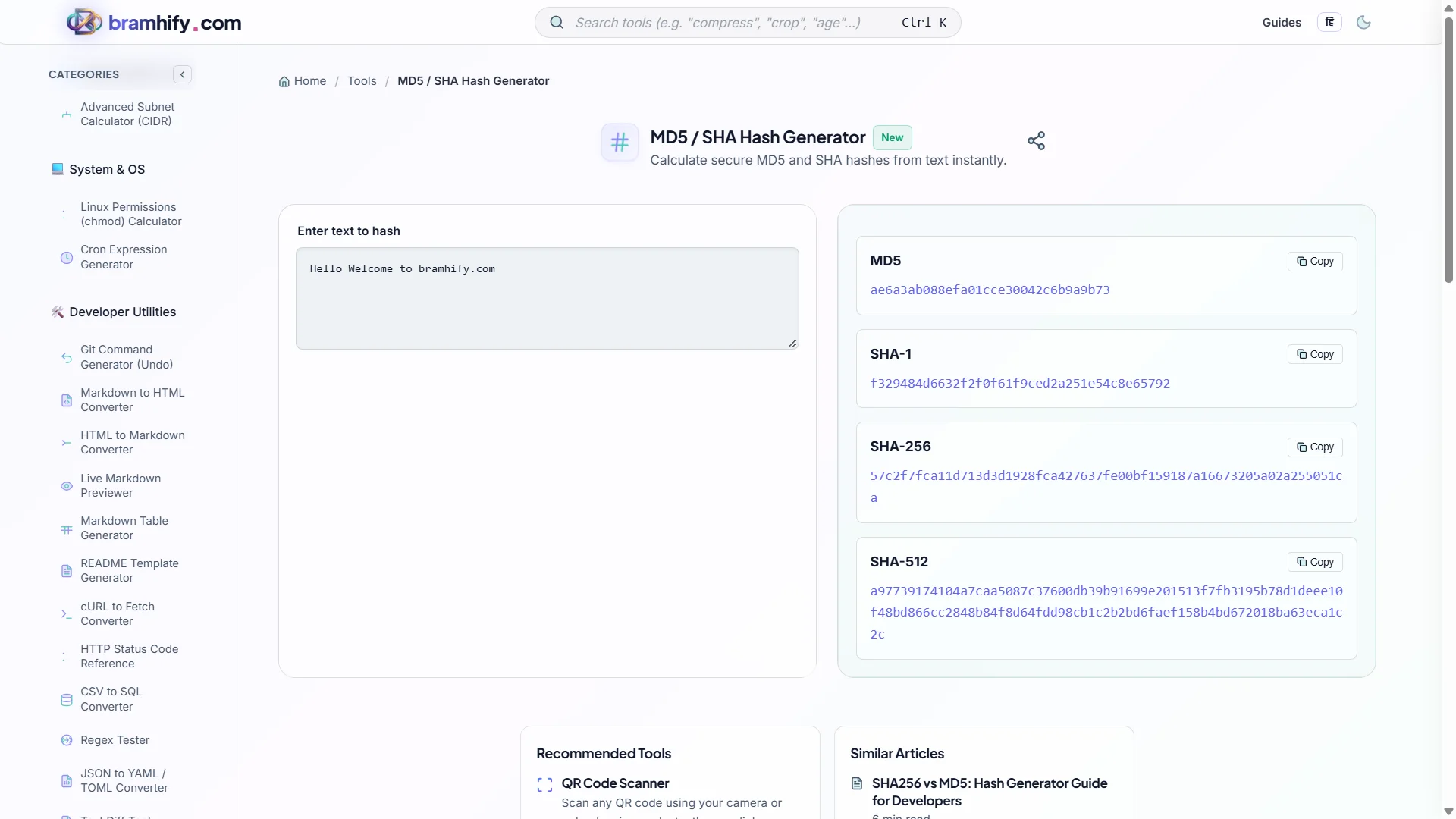
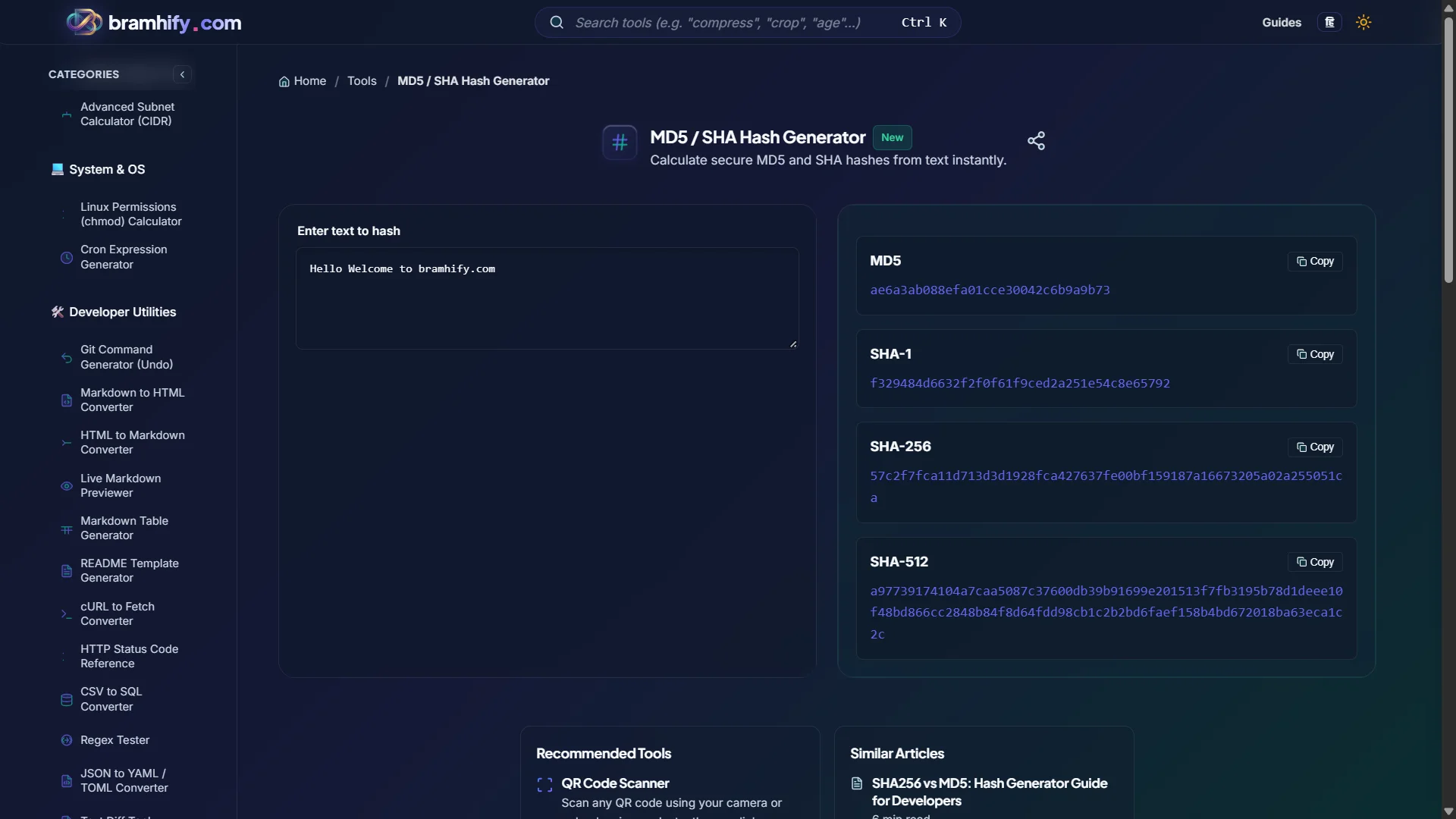

Step-by-Step Guide
Step 1: Type or Paste Your Input
Open the Hash Generator and tap the input field. Type or paste the text you want to hash. The tool calculates all five algorithm outputs simultaneously in real-time as you type — MD5, SHA-1, SHA-256, SHA-384, and SHA-512.
Step 2: Choose Your Algorithm
For the vast majority of use cases, copy the SHA-256 output. It is the right default. Copy MD5 only if you are working with a legacy system that specifically requires it and you understand the security trade-off.
Step 3: Copy the Hash
Tap the Copy button next to your chosen algorithm. The digest is instantly copied to your clipboard, ready to paste into your code, a terminal, or a configuration file.
Real Developer Use Cases
File Integrity Verification
When distributing build artifacts or release binaries, you publish their SHA-256 hashes. Users download the file and verify the hash matches before running it. A mismatch means the file was tampered with or corrupted in transit. This is why every major Linux distribution publishes SHA-256 checksums alongside ISO downloads.
API Webhook Signature Verification
Many APIs (GitHub, Stripe, Twilio) sign their webhook payloads using HMAC-SHA256. To verify a webhook is genuine: compute HMAC-SHA256(secret, payload) and compare it to the X-Signature header. Our tool hashes text input but does not compute HMAC — for HMAC, use your language's standard library (crypto.createHmac in Node.js, hmac.new() in Python).
Cache Keys and Deduplication
MD5 is perfectly appropriate as a cache key generator or deduplication fingerprint for non-adversarial data. You are not using it for security — just to create a short, unique identifier for a long string. In this context, MD5's speed advantage and its broken collision resistance are irrelevant.
Debugging Password Hashing
If you need to verify that a password hash in your database matches what your application would generate (during a migration or debugging session), hash the plain-text value with SHA-256 to compare against your stored hash. Note: for production password storage, always use bcrypt, Argon2, or scrypt — not raw SHA-256.
Frequently Asked Questions (FAQs)
Can I use SHA-256 to store passwords safely?
No. SHA-256 is extremely fast, which makes it easy for attackers to run billions of hash guesses per second using GPUs. For password storage, use a purpose-built, deliberately slow algorithm: bcrypt, Argon2id (recommended for new systems), or scrypt. These include salting and configurable computational cost to resist brute-force attacks.
Does the tool support file hashing?
Currently, Bramhify's Hash Generator supports text input only. File hashing (computing the SHA-256 checksum of a downloaded binary) is not yet supported. For file checksums, use your terminal: sha256sum filename on Linux/macOS, or Get-FileHash filename -Algorithm SHA256 in PowerShell on Windows.
Why does my SHA-256 hash differ from what another tool produces?
The most common cause is whitespace or encoding differences. A trailing newline character \n produces a completely different hash. Make sure both tools are hashing the exact same byte sequence. Also check character encoding — if one tool uses UTF-8 and another uses Latin-1 for non-ASCII characters, the outputs will differ.
See also: How to Decode a JWT Token Online: A Security Guide