


You hit a 401 Unauthorized in production. The token looks right. Your backend says it is valid. But something is off — wrong audience, expired claims, missing scope. You need to look inside the token right now, and every second of downtime counts. This is exactly when a JWT decoder earns its keep.
What Is a JWT and Why Would You Decode It?
A JSON Web Token (JWT) is a compact, URL-safe string used to securely transmit claims between parties. You will encounter JWTs everywhere in modern web development: OAuth2 access tokens, Firebase auth tokens, Auth0 sessions, and API authentication headers.
A JWT has three parts separated by dots:
eyJhbGciOiJIUzI1NiJ9.eyJzdWIiOiJ1c2VyMTIzIn0.signature
  [HEADER]              [PAYLOAD]               [SIGNATURE]
Each part is Base64Url encoded. Decoding reads the header and payload as human-readable JSON — revealing the claims inside: user IDs, roles, expiry timestamps, issuers, audiences, and scopes.
Common reasons developers decode JWTs:
- Debugging a
401— is the token expired? Wrong audience? Missingscope? - Verifying claims from a third-party OAuth provider match what your backend expects
- Auditing whether sensitive PII is accidentally embedded in the payload
- Cross-team communication: "here is the token our service sends — confirm your parser handles the
rolesfield format"
The Hidden Security Risk of Popular JWT Decoders
The most popular JWT decoder online is jwt.io. It is well-designed and widely trusted. But here is what most developers do not notice: jwt.io sends your token to their server when you use the "verify signature" feature. Your token — which contains user identifiers, session data, and sometimes roles — travels to a third-party server.
For production access tokens, this is a real risk. JWTs often contain:
- User IDs and email addresses (PII under GDPR)
- Role and permission claims that reveal your authorization model
sub,iss, andaudfields that expose your internal service architecture
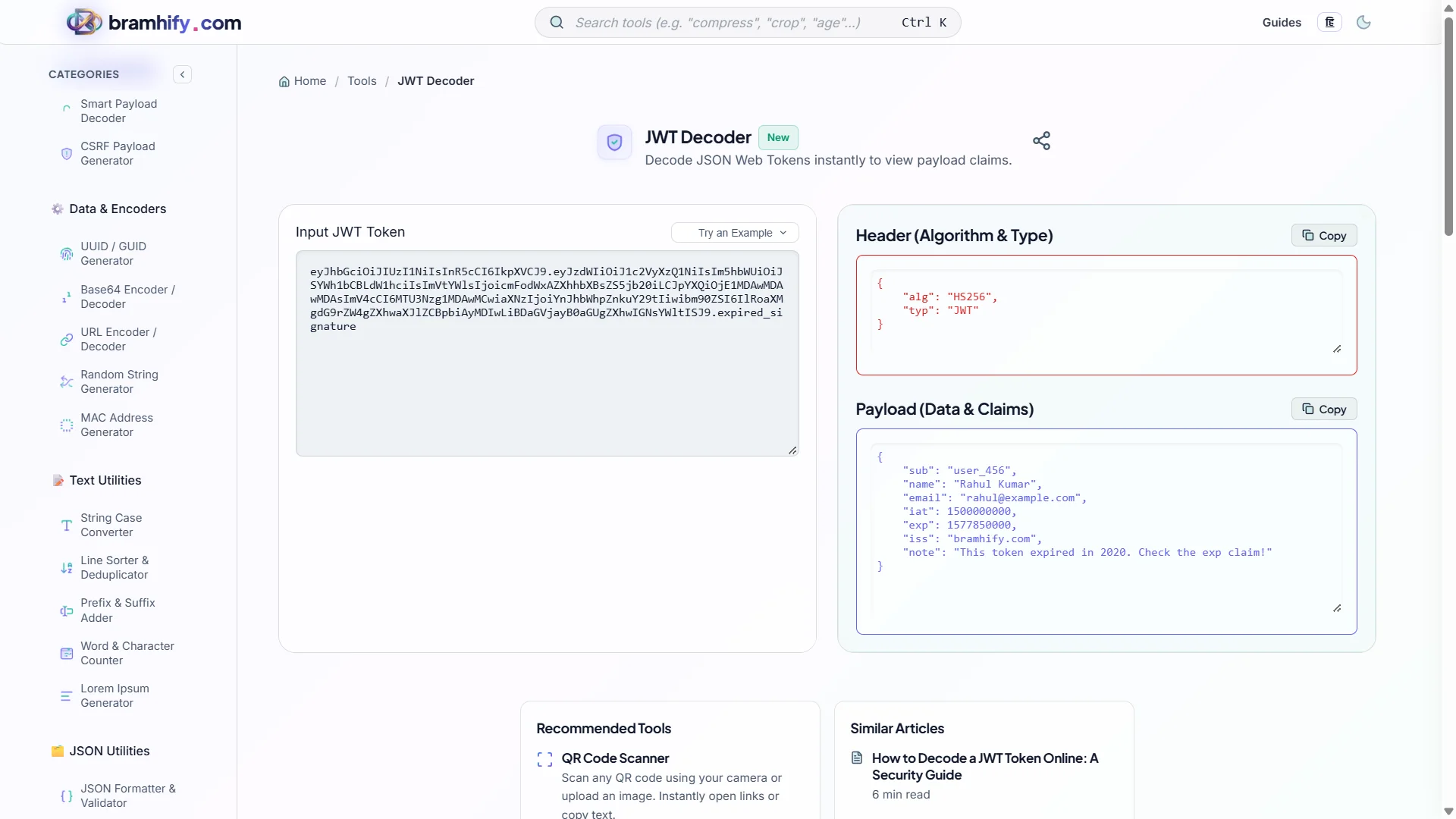
Bramhify's JWT Decoder decodes the Header and Payload entirely in your browser. Nothing is transmitted. You can paste a real production token without any data leaving your device.
Critical distinction: Decoding ≠ Verification. A decoder reads the claims; only your backend (with the correct secret or public key) can cryptographically verify the signature. Never trust decoded claims from an unverified token in production code.
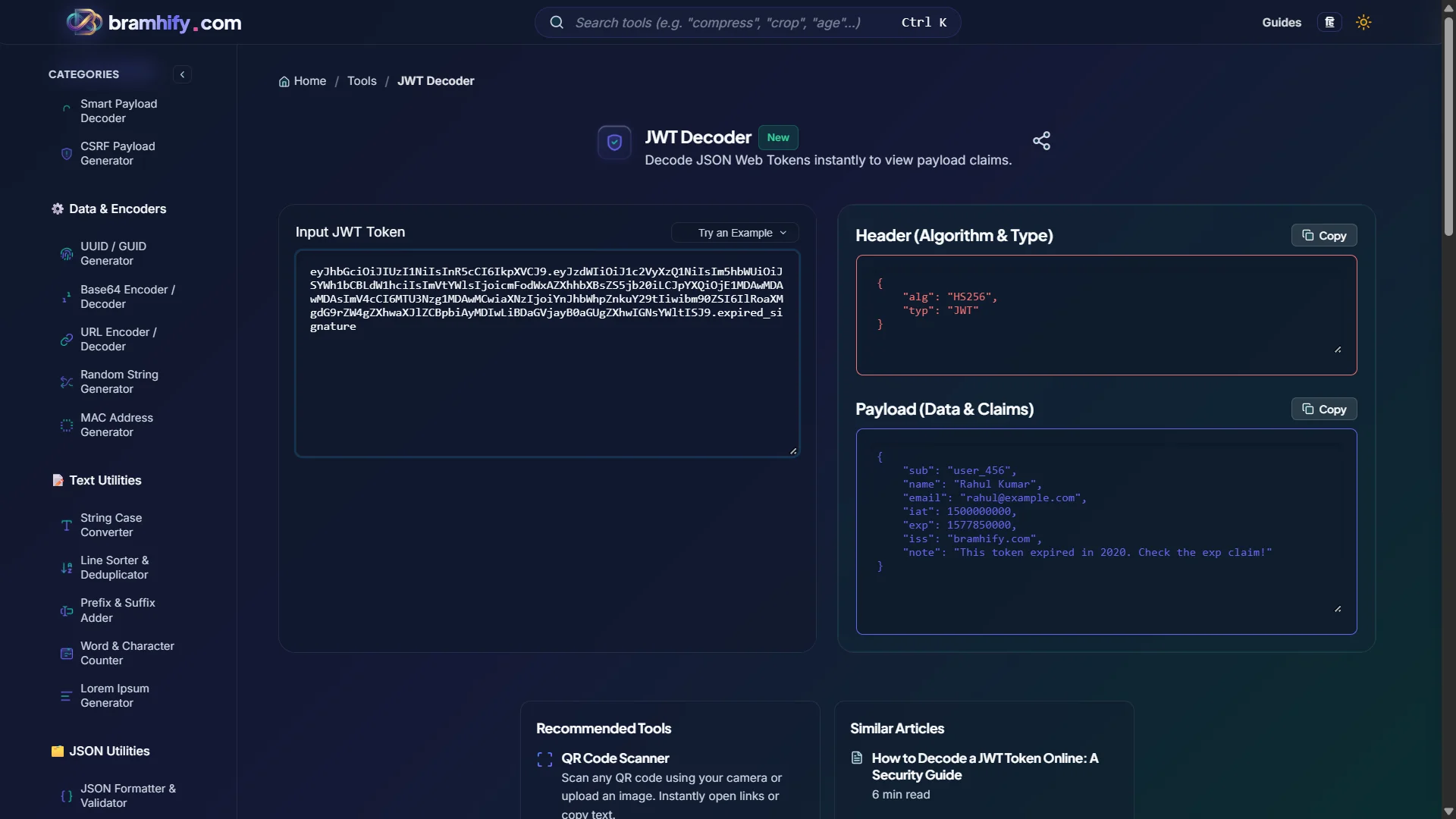
JWT Decoder:

Step-by-Step: Decoding Your First JWT
Step 1: Copy Your Token
Grab the JWT from wherever it appears — an Authorization: Bearer ... header in your browser's Network tab, a Postman response, your application's local storage, or a debug log. It will look like three long Base64Url strings separated by dots.
Step 2: Paste Into the Decoder
Open the JWT Decoder and paste your token into the input field. The tool immediately splits it into three panels: Header, Payload, and Signature status.
Step 3: Read the Claims
The Payload panel shows your claims as formatted JSON. Look for:
exp— expiry timestamp (Unix epoch). Compare to current time to see if the token is expired.iat— issued-at timestamp. Helps identify if the token is unexpectedly old.sub— subject (usually the user ID).aud— audience. Must match what your backend expects, or the token will be rejected.scope/roles— permission claims. Verify the user has the required access.
Step 4: Act on What You Find
- Token expired? Trigger a token refresh in your client code.
- Wrong
aud? The token was issued for a different service. Check your auth server configuration. - Missing
scope? The user's session was created before the new permission was added. Ask them to log out and back in.
Understanding the JWT Structure in Depth
The Header
{
  "alg": "HS256",
  "typ": "JWT"
}
The header declares the signing algorithm (HS256 for HMAC-SHA256, RS256 for RSA, ES256 for ECDSA). If you see alg: "none" in a production token, treat it as a critical security vulnerability — it means the token has no cryptographic signature.
The Payload (Claims)
Standard claims are registered in RFC 7519. Beyond the standard ones, your identity provider or application adds custom claims for roles, tenant IDs, feature flags, and permissions. These are called "private claims."
The Signature
The signature is the only part the decoder cannot fully process on the client — validating it requires the secret key or public key your backend holds. Our decoder shows you the raw signature bytes and the algorithm used, but it explicitly states it does not verify the signature. This is by design — signature verification belongs in your backend, not in a browser tool.
Frequently Asked Questions (FAQs)
Is it safe to decode a production JWT token in an online tool?
With Bramhify's decoder, yes — because all processing happens in your browser via JavaScript. No network request is made after the page loads. For extra assurance, open your browser's developer tools, go to the Network tab, paste your token, and watch: you will see zero outgoing requests.
What is the difference between decoding and verifying a JWT?
Decoding reads the Header and Payload by reversing the Base64Url encoding — anyone can do this, including attackers. Verifying checks that the signature is cryptographically valid using the secret key (for HS algorithms) or public key (for RS/ES algorithms). Never trust decoded claims in your application logic without first verifying the signature on your backend.
My token has three parts but none of them look like JSON. What's wrong?
Some tokens are not JWTs — they may be opaque tokens (random strings used as session IDs) or encrypted JWTs (JWE format, which encrypts the payload). JWE tokens look like five dot-separated parts, not three. The Bramhify decoder handles standard three-part JWTs only.
Can I use this to debug tokens from Auth0, Firebase, or Okta?
Yes. All major identity providers (Auth0, Firebase, Okta, Cognito, Keycloak) issue standard JWTs. The decoder works with all of them. Just paste the access token or ID token you receive from any of these services.
See also: SHA256 vs MD5: When to Use Each and How to Generate Hashes Safely