


Writing code is faster than ever in 2026, but debugging AI-generated hallucinations can waste hours. While autonomous agents and AI autocomplete plugins are essential for modern workflows, developers still struggle when models generate unpredictable string manipulations or faulty regex patterns.
The Hidden Risk of AI Hallucinations
Relying entirely on AI agents like Cursor or Claude Code to write your regular expressions is a massive risk. While these tools are incredible at boilerplate and architecture, they frequently hallucinate complex edge cases in data parsing. You can't just deploy a generated regex into production without testing it against real-world, sensitive data.
But pasting your private production logs or user data into a random cloud-based regex debugger exposes your company to severe security leaks. Bramhify's Regex Tester solves this by running 100% locally on your device.
Regex Tester:

Step-by-Step Guide
Mastering manual utility tools alongside AI agents ensures you remain a top-tier engineer. Here is how to validate AI-generated regex safely.
Step 1: Enter Your Pattern
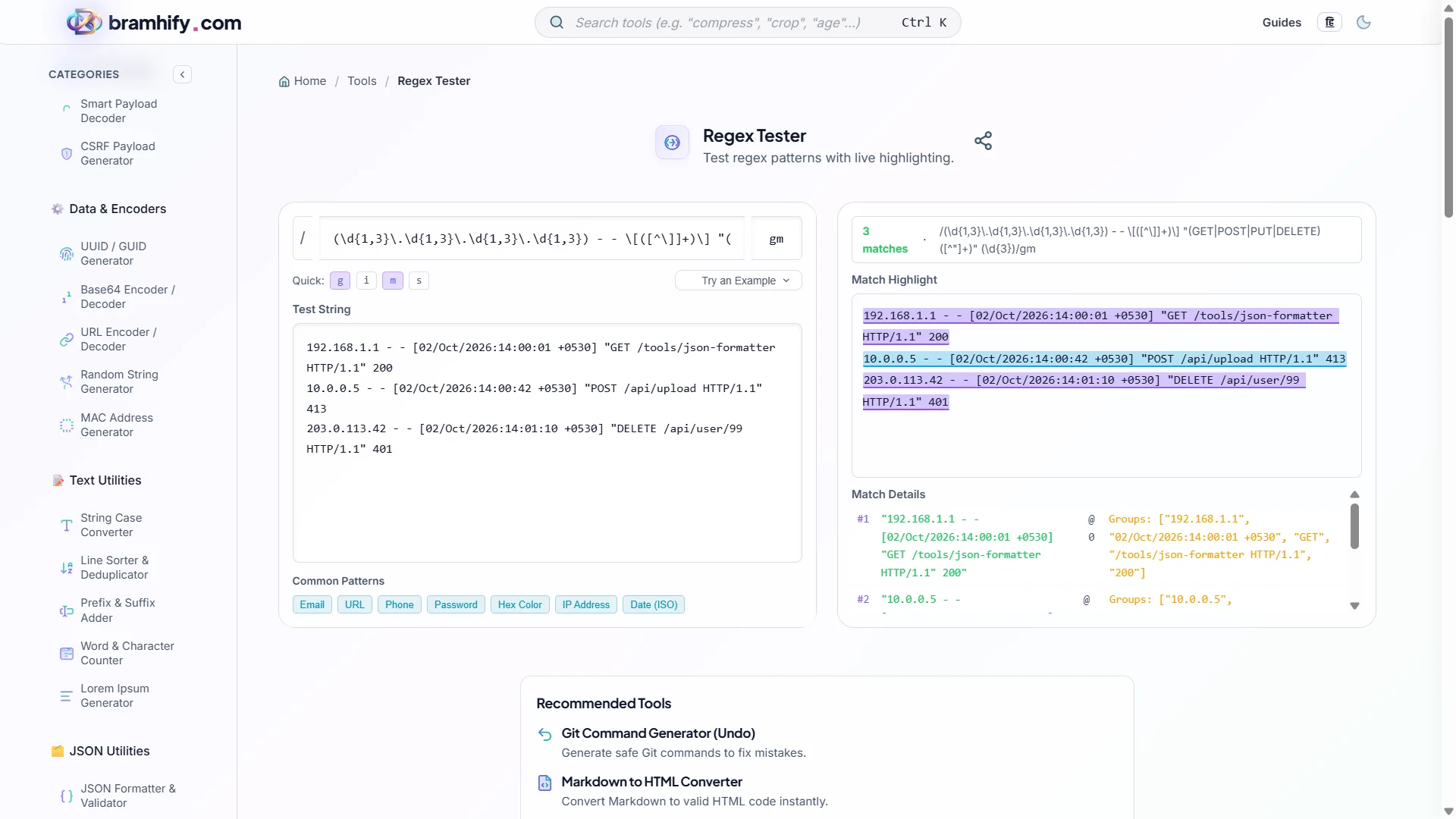
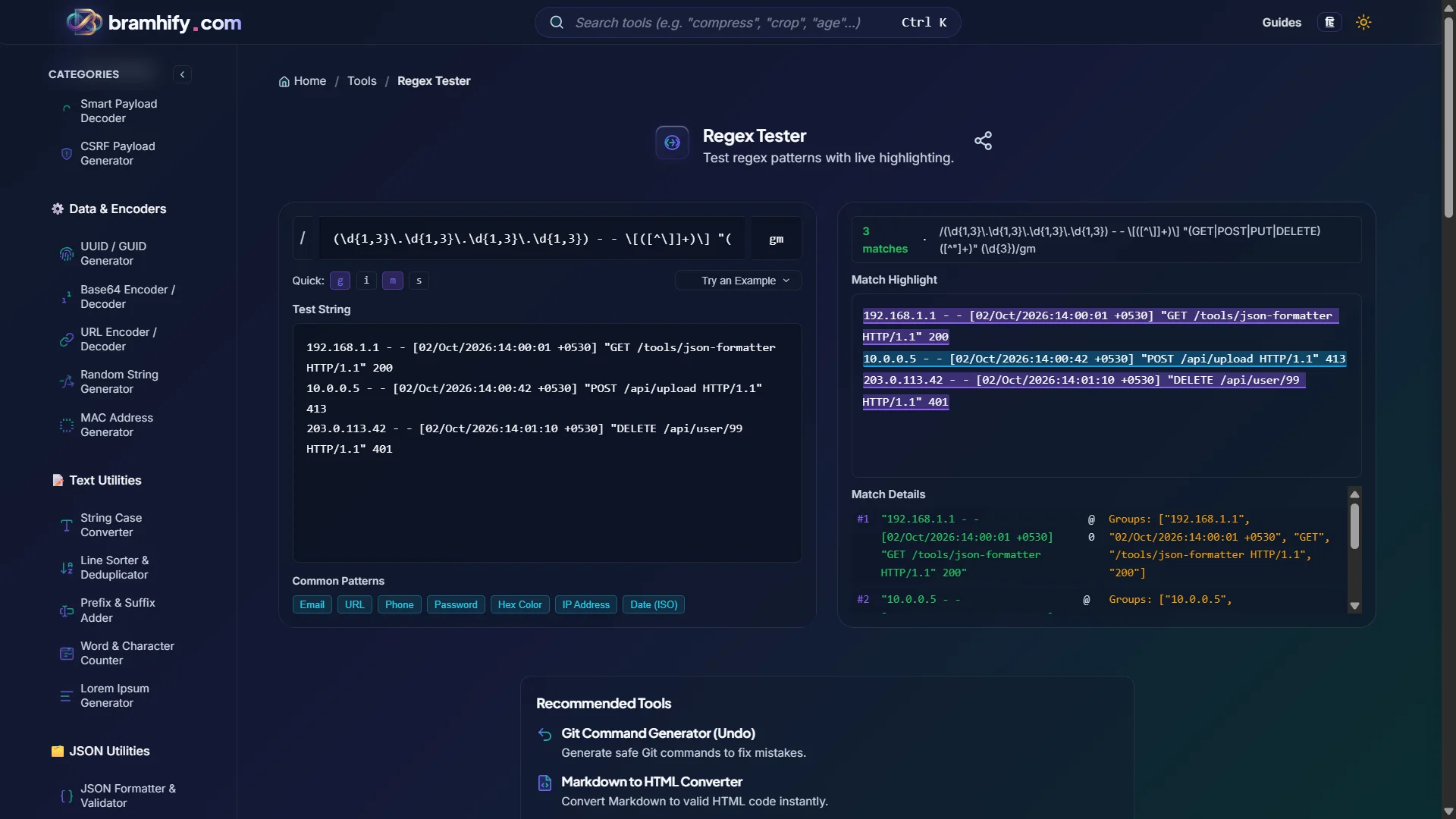
Ask your AI agent to generate a regular expression, then copy it. Tap into the Regex Tester's pattern field and paste it. You can instantly toggle modifiers like global (g) or case-insensitive (i) using the quick buttons.
Step 2: Paste Your Test String
Grab a sample of your production logs or user input data. Paste the text into the Test String box. Because the tool runs locally, your sensitive data is perfectly safe.
Step 3: See Matches
Watch as the tool highlights all matches in real-time. Review the capture groups panel to verify the AI parsed the exact data structure you need.
Step 4: Validate and Deploy
Once you confirm the pattern works flawlessly against all your edge cases, copy it and safely deploy it to your codebase. You're done!
Frequently Asked Questions (FAQs)
What are the top developer productivity tools 2026?
The top stack in 2026 combines agentic IDEs like Cursor or Windsurf with offline, privacy-first utility tools like Bramhify. This hybrid approach allows you to automate boilerplate code while maintaining strict security over manual data testing.
Is my test data private in the Regex Tester?
Yes. All matching runs locally in your browser using native JavaScript RegExp engine. Your test strings—which may contain log data, personal info, or sensitive records—are never sent to a server.
What JavaScript regex features are supported?
Our tool uses the browser's native JavaScript RegExp engine, so all ES2018+ features are supported including named capture groups, lookbehind assertions, and Unicode mode.
See also: 10 CLI Tools Every Junior Developer Should Install