


Every frontend performance engineer eventually asks: "Should I inline this tiny icon or favicon as a Base64 Data URI right inside my CSS/HTML to save an HTTP request—or will it bloat my bundle and slow down First Contentful Paint?"
The answer comes down to simple byte math (the ~33% Base64 size penalty, browser caching boundaries, and SVG URL-encoding). Used on the right < 4 KB assets, Data URIs eliminate render-blocking waterfalls and make standalone HTML emails or offline PWAs completely self-contained. Used blindly on a 200 KB hero banner, they wreck Core Web Vitals.
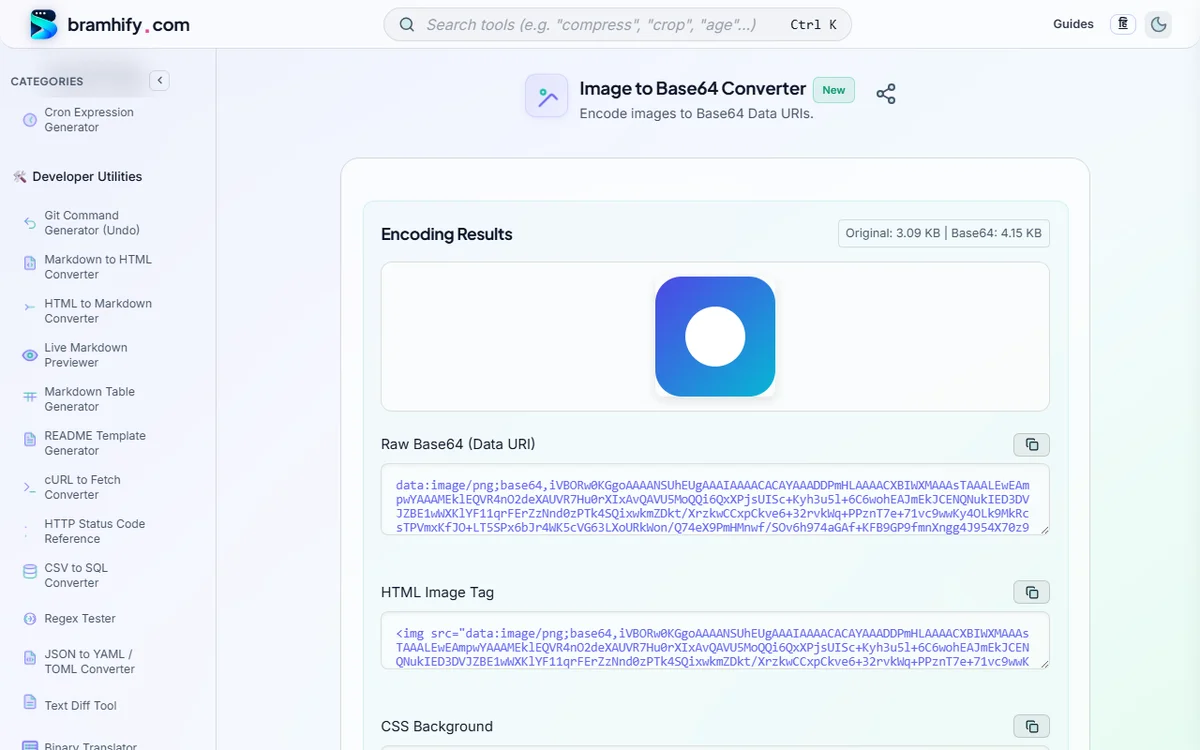
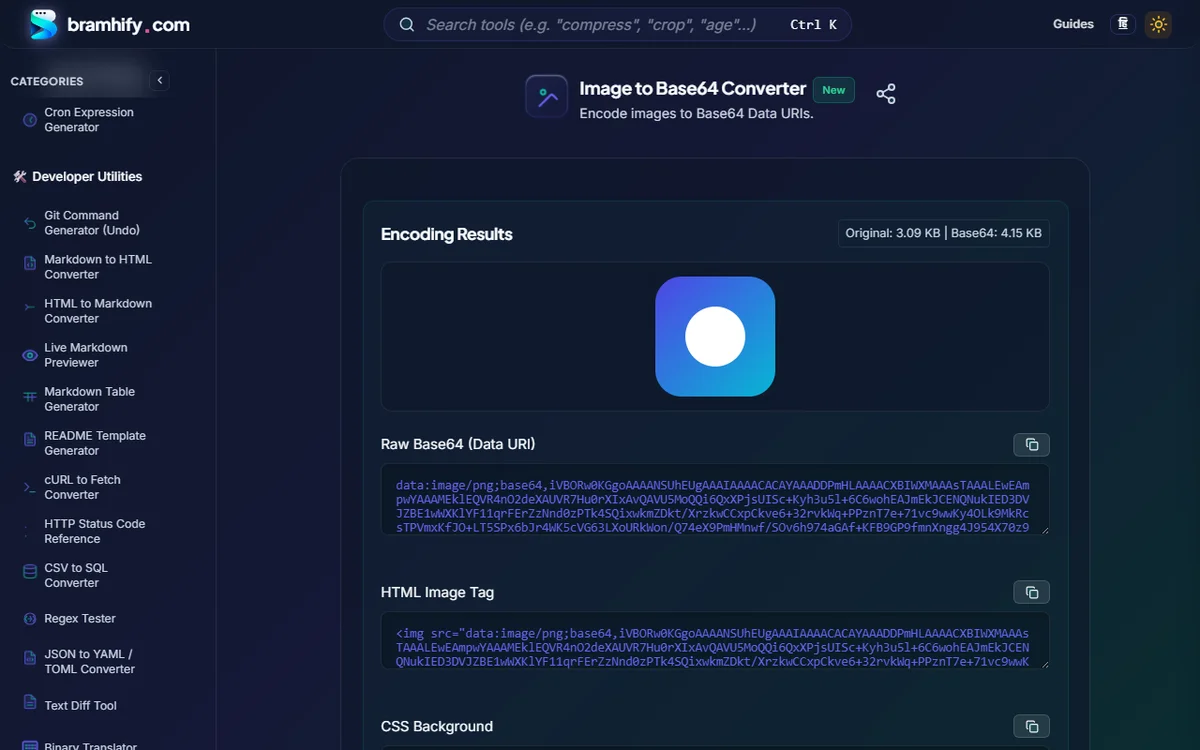
Bramhify's 100% offline Image to Base64 Converter (and companion SVG to Base64 Converter) uses your browser's native FileReader API to generate ready-to-paste Raw Data URI, HTML <img> tag, and CSS background-image snippets instantaneously—zero uploads of your proprietary brand icons or logos.
Anatomy of a Data URI
data:[<mediatype>][;base64],<encoded-data>
- HTML Inline Image:
<img src="data:image/png;base64,iVBORw0KGgoAAAANSUhEUgAA..." alt="Brand icon" width="24" height="24"> - CSS Background Image:
.badge-icon {
  background-image: url("data:image/webp;base64,UklGRh4AAABXRUJQ...");
}
Convert PNG, JPG, WEBP & GIF to Base64 Data URIs Offline:

Decision Matrix: When to Inline Base64 vs. Serve External Files
| Asset Scenario | Inline as Base64 Data URI? | Why? |
|---|---|---|
Tiny UI Icons / Checkmarks / Spinners (< 4 KB) | YES | Zero extra HTTP round-trip; prevents flash of missing icons (FOUI) |
| Single-File Offline HTML Reports / Invoice Templates | YES | Guarantees logos render offline without broken external image links |
Tiny LQIP Blur Placeholders (< 1 KB) | YES | Instant visual placeholder before the full lazy-loaded WebP arrives |
Blog Photos, Product Images, Hero Banners (> 15 KB) | NO — Serve External .webp | Base64 adds +33% bloat, blocks CSS parsing, and breaks independent browser image caching! |
| Marketing Emails (Gmail / Outlook) | Careful (CID or HTTPS URL) | Gmail and Outlook strip data:image/... URIs for security — always host email images on HTTPS! |
The 33% Overhead Math (and Why Gzip/Brotli Only Partially Rescues It)
Base64 encodes every 3 binary bytes (24 bits) into 4 ASCII characters (6 bits each) — an automatic +33.3% payload expansion (10 KB PNG becomes ~13.7 KB of text).
- When served over Brotli/Gzip, compressed Base64 overhead shrinks closer to ~10–15% over the wire, but the browser still has to decode the larger text inside the render-blocking CSS/HTML parser!
- Golden Threshold: Keep inlined raster images under 4 KB (same default threshold used by Vite
assetsInlineLimit: 4096and Webpackassetmodules!). Always optimize the image first with our offline Image Compressor before converting to Base64!
Pro Tip for SVGs: Base64 vs. URL-Encoded UTF-8
Because SVG is already plain XML text, you have two ways to embed it in CSS:
- Base64 SVG (
data:image/svg+xml;base64,...): Universal, zero escaping worries, ideal when an SVG contains quotes, hashes (#), or special symbols—generate instantly in our SVG to Base64 Converter. - UTF-8 URL-Encoded SVG (
data:image/svg+xml,%3Csvg...): Slightly smaller before/after Brotli compression when you escape#as%23and wrap attributes in single quotes.
Don't Forget Your Content Security Policy (CSP) Header!
If your production app enforces a strict Content-Security-Policy header and your inlined Base64 images suddenly vanish with a browser console error, make sure img-src explicitly allows the data: scheme:
Content-Security-Policy: default-src 'self'; img-src 'self' data:;
Frequently Asked Questions (FAQs)
Why does Base64 increase my image file size by ~33%?
Binary image formats pack 8 bits per byte (0–255), whereas Base64 represents binary safely using only 64 printable ASCII characters (6 bits per character). Encoding 3 bytes (24 bits) requires 4 ASCII characters (4 / 3 = 1.333×), plus optional = padding bytes.
Do Base64 images work inside HTML emails (Gmail, Outlook, Apple Mail)?
Apple Mail renders them, but Gmail Web, Gmail Mobile, and Outlook desktop/web strip data:image/... URIs for anti-tracking and security reasons. For email newsletters, always use HTTPS-hosted .png/.jpg URLs or MIME cid: inline attachments.
Can I convert an SVG vector logo to a Base64 Data URI too?
Yes! Use Bramhify's dedicated SVG to Base64 Converter for .svg markup, or trace a PNG logo into clean vector SVG first with our Image to SVG Converter Guide.
Why does inlining large images inside CSS hurt page speed?
CSS stylesheets are render-blocking—the browser will not paint the page until the entire .css file downloads and parses. Dropping a 150 KB Base64 hero photo inside styles.css forces the browser to stall First Contentful Paint AND re-download that image every time you change a single line of CSS!
Are my proprietary logos or UI assets uploaded to Bramhify's servers?
No. Encoding runs 100% locally in your browser via the native HTML5 FileReader API. Zero bytes ever leave your computer or phone.