


Your API returns a search URL and it looks like this: https://example.com/search?q=hello%20world&city=New%20Delhi. You paste it into a browser and it works. You paste it into a curl command and it breaks. You try to log it and the %20 shows up as a literal space in one system and %2520 (double-encoded) in another. URL encoding is one of those things that seems simple until it very suddenly is not.
What Is URL Encoding and Why Does It Exist?
URLs can only contain a restricted set of characters defined by RFC 3986. These are the unreserved characters: A-Z, a-z, 0-9, -, _, ., and ~. Everything else — spaces, slashes, ampersands, colons, brackets, non-ASCII characters like Hindi script — must be percent-encoded.
Percent encoding works by replacing each unsafe byte with a % followed by two hexadecimal digits representing the byte value:
| Character | Encoded | Why It's Unsafe in URLs |
|---|---|---|
| Space | %20 | URLs cannot contain raw spaces |
& | %26 | Separates query parameters — ambiguous in values |
= | %3D | Separates key from value — ambiguous in values |
+ | %2B | Treated as space in some URL parsers (form encoding) |
/ | %2F | Path delimiter — ambiguous in path segments |
# | %23 | Fragment identifier — breaks URL parsing |
? | %3F | Query string start — ambiguous in values |
@ | %40 | User info delimiter in auth URLs |
For non-ASCII characters, the byte sequence of their UTF-8 representation is encoded. The Hindi word "नमस्ते" becomes a long percent-encoded string because each Devanagari character occupies 3 bytes in UTF-8, and each byte is percent-encoded separately.
The encodeURIComponent vs encodeURI Distinction (Critical)
This is the most common source of URL encoding bugs in JavaScript applications.
encodeURI(url) — Encodes a complete URL. It leaves characters that have meaning in URL structure untouched: /, ?, #, &, =, :. Use this when you have a full URL and want to make it safe without destroying its structure.
encodeURIComponent(value) — Encodes a single value to be used inside a URL. It encodes everything except unreserved characters — including /, ?, #, &, and =. Use this for every individual query parameter value before appending it to a URL.
// ✅ Correct: encode each value, then compose the URL
const query = encodeURIComponent("hello world & more");
const url = `https://api.example.com/search?q=${query}`;
// Result: https://api.example.com/search?q=hello%20world%20%26%20more

// ❌ Wrong: encodeURI won't encode & in a value
const badUrl = encodeURI(`https://api.example.com/search?q=hello world & more`);
// Result: https://api.example.com/search?q=hello%20world%20&%20more
// The & is not encoded — it creates a second query parameter!
The Hidden Risk of Double Encoding
Double encoding happens when you encode an already-encoded string. hello world → hello%20world → hello%2520world. The % itself gets encoded to %25, creating a broken string.
This happens constantly in backend integrations — an API client encodes the value, passes it to a middleware layer that encodes it again, and the final server receives a double-encoded string it cannot decode correctly. Always encode exactly once, at the boundary where raw data enters URL-structured strings.
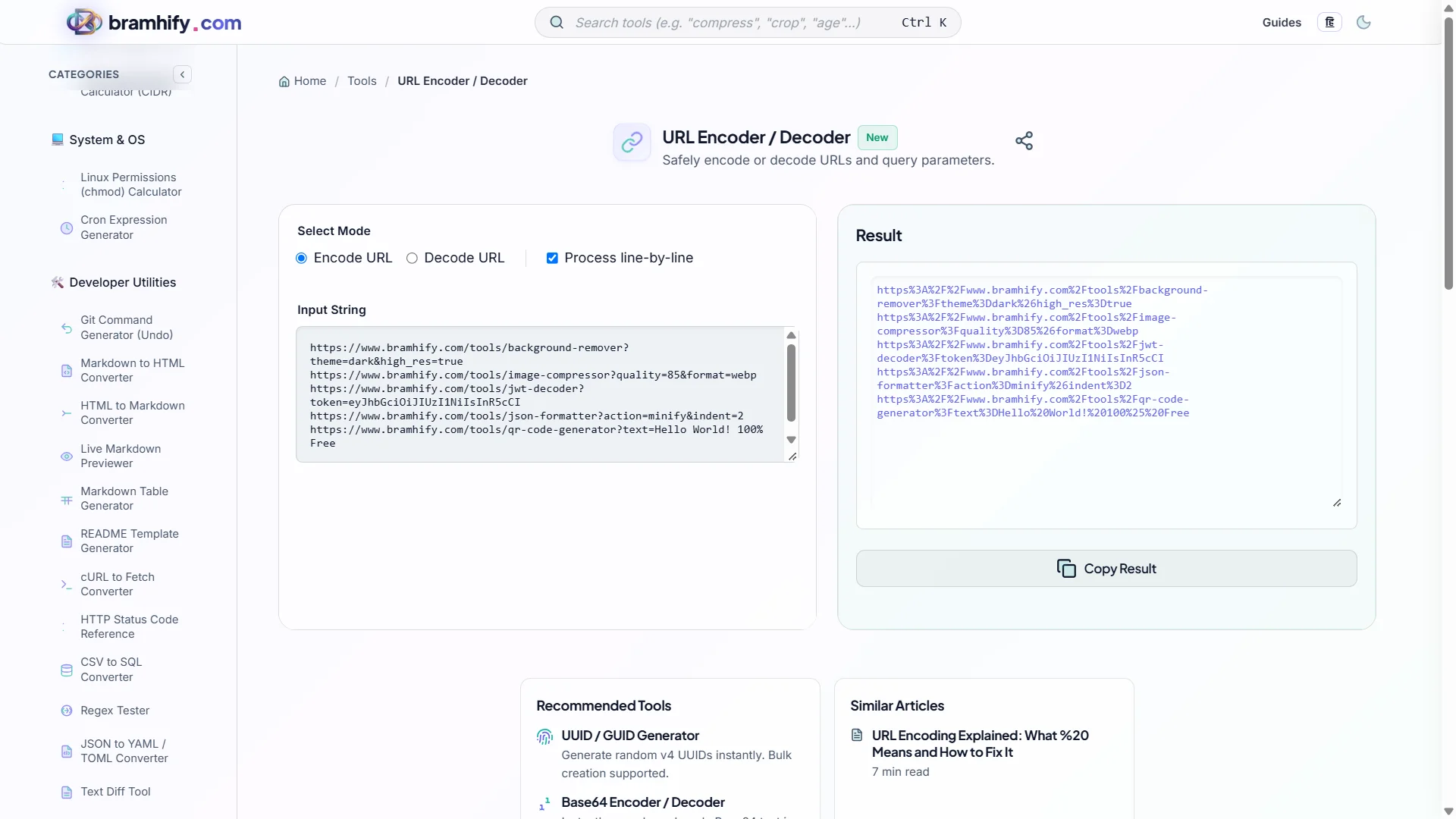
Bramhify's URL Encoder uses encodeURIComponent under the hood — the standard that correctly handles all special characters — and runs 100% in your browser. Your query strings, API keys, and endpoint URLs are never sent anywhere.
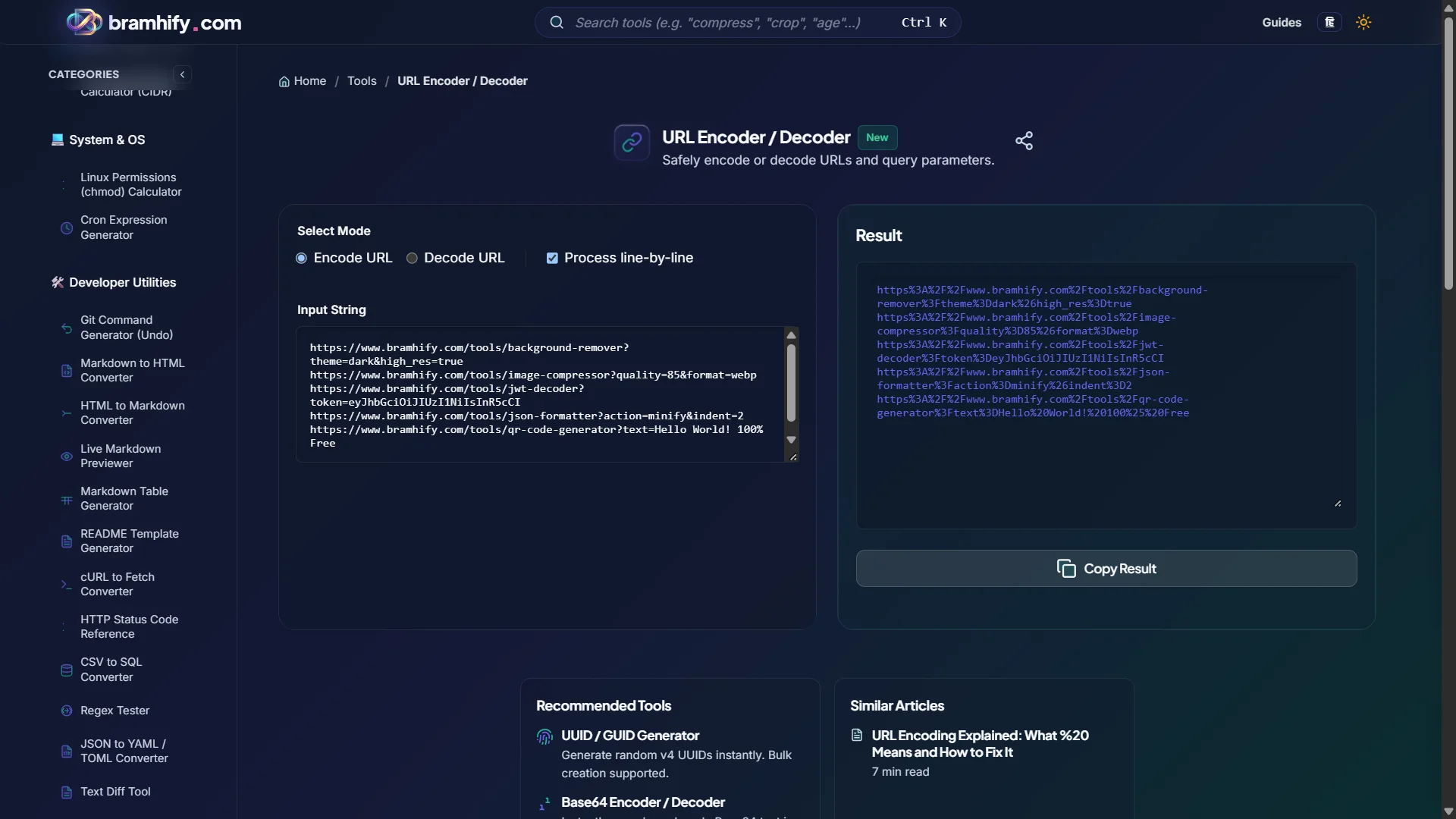
URL Encoder / Decoder:

Step-by-Step Guide
Step 1: Identify What You Need to Encode
Determine whether you are encoding a full URL or a single value. If it is a query parameter value (search term, city name, user input), encode it with the encoder in Encode mode. If you are decoding a percent-encoded string you received to read its original value, use Decode mode.
Step 2: Paste and Convert
Open the URL Encoder/Decoder and paste your value. The tool processes in real-time — the encoded or decoded result appears instantly as you type. No button press required.
Step 3: Check for Double Encoding
Before copying the output, verify it does not contain %25 unless your original input actually had a literal % character. %25 in the output when your input had no % is a sign that you are encoding an already-encoded string.
Step 4: Apply in Your Code
Copy the encoded output and use it safely in your URL string. For ongoing use in code, implement encodeURIComponent() directly in your codebase rather than manually encoding values — use the tool for debugging and one-off conversions.
Common Developer Scenarios
Encoding API Search Parameters
When building a search API call with user-provided input, always encode the query value: const url = '/api/search?q=' + encodeURIComponent(userInput). Without this, a user searching for C++ tutorials would produce /api/search?q=C++ tutorials — the + becomes a space and the space breaks the URL.
Decoding Logged URLs
When you find a URL in your server logs that looks like %2Ftools%2Fjson-formatter, decode it to read it as /tools/json-formatter. The decoder instantly reveals what your users were actually requesting.
Building Redirect URLs
When passing a redirect URL as a query parameter (common in OAuth flows: ?redirect_uri=https://app.com/callback), the entire redirect URL value must be encoded. The /, :, and // in https:// are all special characters that must be percent-encoded when they appear as a value rather than as URL structure.
Frequently Asked Questions (FAQs)
What is the difference between %20 and + for spaces?
Both represent a space, but in different contexts. %20 is the universal percent-encoding for a space and is correct anywhere in a URL. + as a space is form encoding (application/x-www-form-urlencoded) — the format used by HTML form POST submissions. Some servers and APIs accept + as a space in query strings for backward compatibility, but %20 is the RFC-compliant standard that works everywhere.
Why does my URL work in the browser but break in curl?
Browsers automatically encode characters like spaces when you type a URL in the address bar. curl takes the URL literally — if you paste a URL with raw spaces, curl may fail or behave unexpectedly. Use curl --data-urlencode for form data, or pre-encode your values before passing them to curl.
What happens to Hindi or Arabic text in URLs?
Non-ASCII characters like Devanagari or Arabic script are encoded using their UTF-8 byte sequences. "नमस्ते" (Hindi for hello) becomes %E0%A4%A8%E0%A4%AE%E0%A4%B8%E0%A5%8D%E0%A4%A4%E0%A5%87 — each Devanagari character is 3 bytes in UTF-8, and each byte is percent-encoded. Modern browsers display the decoded Unicode form in the address bar for readability, but the actual wire format is always the percent-encoded version.
See also: Base64 Encoder & Decoder: A Developer's Complete Guide