


Every API reference — Stripe, OpenAI, GitHub, Twilio, and almost every internal microservice README — documents endpoints with a multi-line curl snippet. Yet when you move from testing in a terminal (or right-clicking Copy as cURL in Chrome DevTools) into a React frontend, Next.js route handler, or Node.js 22 script, you have to translate all those -X, -H, -d, and -u flags into clean JavaScript fetch() calls without leaking your live Bearer token into a third-party converter website.
This guide shows how every common curl flag maps directly to modern async/await JavaScript fetch() (and Axios), how to handle real-world authentication and JSON payloads cleanly, and why a request that succeeds in curl sometimes fails in the browser due to CORS.
Why Convert cURL Commands Offline (Never Paste Live Tokens to Cloud Sites)
Think about what is sitting inside a real cURL command copied from Postman or Chrome DevTools: production Authorization: Bearer eyJ... JWTs, Stripe sk_live_ keys, Basic Auth credentials (-u user:password), session cookies, and private staging endpoints. Pasting that command into an ad-supported online converter sends those credentials to a third-party server log.
Bramhify's cURL to Fetch Converter parses and translates your cURL command 100% locally inside your browser tab. It supports multi-line backslash continuations, headers, raw JSON bodies, Basic Auth encoding, and User-Agent flags with zero network requests.
Try the Offline cURL to Fetch Converter:
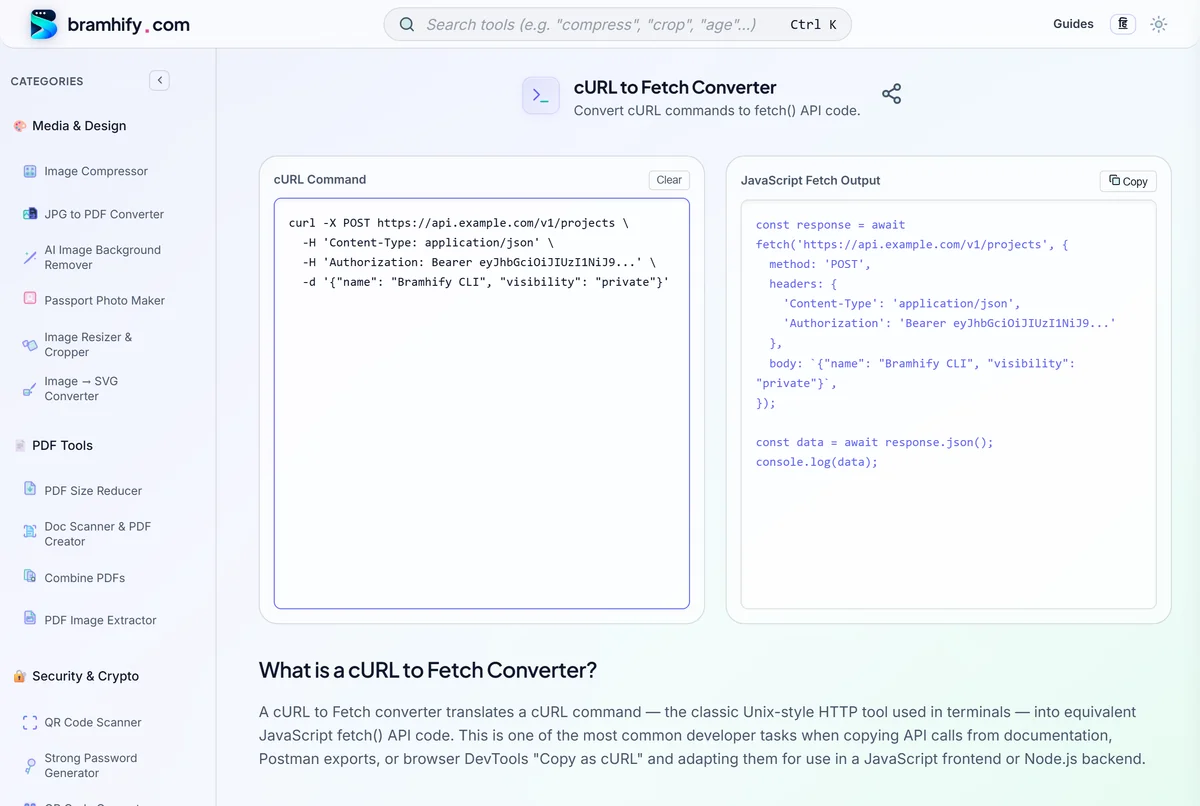
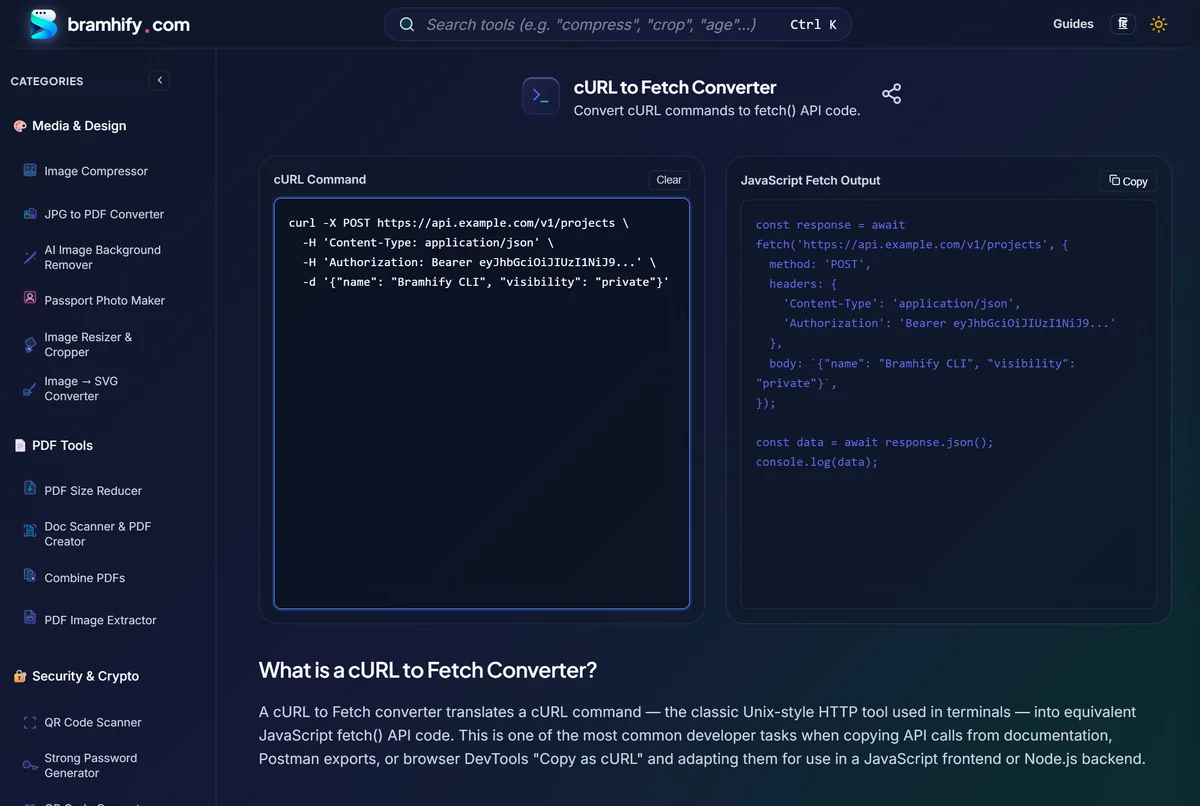

cURL Flags to JavaScript fetch() Cheat Sheet
Use this quick mapping table whenever you inspect or manually verify a converted request:
| cURL Flag | Long Form | JavaScript fetch() Equivalent | Notes |
|---|---|---|---|
-X POST | --request POST | method: 'POST' | Defaults to GET, auto-switches to POST when -d is present |
-H "Key: Val" | --header | headers: { 'Key': 'Val' } | Can be repeated multiple times; merged into one headers object |
-d '{...}' | --data, --data-raw, --data-binary | body: '{...}' | Pass a string (or JSON.stringify(obj)) with Content-Type header |
-u user:pass | --user | 'Authorization': 'Basic ' + btoa('user:pass') | Automatically Base64-encodes HTTP Basic Auth credentials |
-A "Agent" | --user-agent | 'User-Agent': 'Agent' | Works in Node.js fetch(); browsers restrict overriding User-Agent |
--compressed | — | Handled automatically | Both browsers and Node.js fetch() negotiate gzip/brotli automatically |
\ line breaks | Multi-line shell | Collapsed automatically | Standard DevTools / terminal multi-line snippets parse cleanly |
Real-World Conversion Examples (cURL → fetch() & Axios)
1. POST JSON With Bearer Token Authentication
Original cURL command:
curl -X POST https://api.example.com/v1/projects \
  -H "Content-Type: application/json" \
  -H "Authorization: Bearer YOUR_ACCESS_TOKEN" \
  -d '{"name": "Bramhify CLI", "visibility": "private"}'
Equivalent JavaScript fetch() (async/await):
const response = await fetch('https://api.example.com/v1/projects', {
  method: 'POST',
  headers: {
    'Content-Type': 'application/json',
    'Authorization': 'Bearer YOUR_ACCESS_TOKEN',
  },
  body: JSON.stringify({ name: 'Bramhify CLI', visibility: 'private' }),
});

if (!response.ok) {
  throw new Error(`HTTP ${response.status}: ${await response.text()}`);
}

const data = await response.json();
console.log(data);
Important
fetch()gotcha: Unlike Axios,fetch()does not reject its Promise on HTTP400,401,404, or500responses — it only rejects on network failures. Always checkif (!response.ok)before callingresponse.json().
Equivalent Axios snippet (if your codebase uses Axios):
import axios from 'axios';

const { data } = await axios.post(
  'https://api.example.com/v1/projects',
  { name: 'Bramhify CLI', visibility: 'private' },
  {
    headers: {
      'Content-Type': 'application/json',
      Authorization: 'Bearer YOUR_ACCESS_TOKEN',
    },
  }
);
2. HTTP Basic Authentication (-u username:password)
Payment gateways (like Razorpay or Stripe) and legacy internal APIs frequently use -u api_key:api_secret.
Original cURL command:
curl -u pk_test_123:sk_test_456 https://api.example.com/v1/invoices
Equivalent JavaScript fetch():
const response = await fetch('https://api.example.com/v1/invoices', {
  method: 'GET',
  headers: {
    'Authorization': 'Basic cGtfdGVzdF8xMjM6c2tfdGVzdF80NTY=',
  },
});

const data = await response.json();
In Node.js or browser code where credentials come from environment variables, build the header dynamically (Buffer.from(${user}:${pass}).toString('base64') on the server or btoa(${user}:${pass}) in browser dev tools) rather than hardcoding secrets in client bundles.
3. Converting Chrome DevTools "Copy as cURL"
- Open Chrome DevTools → Network tab → right-click any XHR/Fetch request → Copy → Copy as cURL (bash).
- Paste the multi-line command directly into Bramhify's cURL to Fetch Converter.
- Strip unneeded browser noise headers (
sec-ch-ua,sec-fetch-site,priority) before committing the code to your repository — keep onlyContent-Type,Accept, and your auth header. - Need to inspect a JWT inside your
Authorization: Bearerheader or pretty-print the JSON response payload? Pair this workflow with our JWT Decoder Guide and JSON Formatter.
Why a Request Works in curl but Fails in Browser fetch()
Three common differences trip up developers right after converting a working curl command:
- CORS Policy (
Access-Control-Allow-Origin):curlis a command-line client and ignores browser Cross-Origin Resource Sharing rules. When you run the exact samefetch()call fromhttps://yourapp.comtohttps://api.thirdparty.com, the browser blocks the response unless the server returns matching CORS headers — or you proxy the call through your backend / server route. - Forbidden Browser Headers: Browsers silently ignore attempts to set restricted headers such as
User-Agent,Origin,Referer, orCookieinside client-sidefetch(). If an API requires those headers, runfetch()in Node.js 18+ (where native globalfetch()has no browser CORS or header restrictions). - Cookies & Credentials: In
curl, cookies are passed via-H "Cookie: ..."or-b. In browserfetch(), never set a manualCookieheader — instead passcredentials: 'include'so the browser attaches same-site/CORS cookies securely.
Frequently Asked Questions
Does JavaScript fetch() work natively in Node.js without installing node-fetch?
Yes. Native global fetch() has been built into Node.js since v18 and is stable by default in Node.js 20, 22, and 24. You can paste the exact await fetch(...) code generated by Bramhify straight into modern Node.js scripts with zero npm dependencies.
How does -d / --data-raw affect the HTTP method in cURL?
In curl, supplying -d, --data, --data-raw, or --data-binary without an explicit -X flag automatically changes the request method from GET to POST. Bramhify's converter mirrors this exact behavior automatically.
Should I use native fetch() or Axios in 2026?
For most modern browser apps, Next.js Server Components, and Node.js 22+ microservices, native fetch() is zero-dependency, edge-runtime compatible (Cloudflare Workers, Vercel Edge, Deno), and fast. Choose Axios only if you specifically need built-in request/response interceptors, automatic JSON error throwing, or upload progress events in older environments.
Can I paste Windows PowerShell curl or multi-line bash commands?
Multi-line Unix/bash curl commands using \ continuations work out of the box. In Chrome DevTools on Windows, always pick Copy as cURL (bash) rather than Copy as cURL (cmd) so quotes and backslashes parse cleanly.
Are my API keys or Bearer tokens logged when I convert cURL on Bramhify?
No. Bramhify's cURL to Fetch Converter runs 100% client-side in your browser using Vanilla JavaScript with zero server calls, analytics payload capture, or storage — even if you disconnect your Wi-Fi after loading the page.