


Subnetting is the concept that trips up every networking and cloud fresher. You understand IP addresses. You know that 192.168.1.1 is a private IP. But the moment someone writes 192.168.1.0/24 or asks you to calculate the broadcast address of a /26 subnet, it becomes a wall of binary math that feels completely abstract. It does not have to be.
IP Addresses and Subnets: The Mental Model
An IPv4 address is 32 bits — four groups of 8 bits, written in decimal: 192.168.1.100. Every device on a network needs one. But networks are not flat — they are divided into subnets (sub-networks) that group related devices together, control traffic flow, and enable routing between isolated segments.
A subnet mask defines which portion of an IP address identifies the network and which portion identifies the individual host within that network.
IP Address:   192.168.1.100   →   11000000.10101000.00000001.01100100
Subnet Mask:  255.255.255.0   →   11111111.11111111.11111111.00000000
                                   |___ Network part ___|__ Host part __|
Every 1 bit in the mask is part of the network address. Every 0 bit is available for host addresses.
CIDR Notation: Shorthand for Subnet Masks
Typing out 255.255.255.0 every time is verbose. CIDR (Classless Inter-Domain Routing) notation compresses this into a prefix length: the number of 1 bits in the mask.
255.255.255.0 has 24 ones → written as /24 255.255.0.0 has 16 ones → written as /16 255.255.255.192 has 26 ones → written as /26
So 192.168.1.0/24 means: "the subnet starting at 192.168.1.0 with a 24-bit network prefix" — which gives you 256 total addresses (0-255), with 254 usable host addresses (the .0 network address and .255 broadcast address are reserved).
The Key Numbers Every Fresher Must Memorize
| CIDR | Subnet Mask | Total Addresses | Usable Hosts | Common Use |
|---|---|---|---|---|
/8 | 255.0.0.0 | 16,777,216 | 16,777,214 | Large ISP blocks |
/16 | 255.255.0.0 | 65,536 | 65,534 | Large enterprise networks |
/24 | 255.255.255.0 | 256 | 254 | Standard office/home LAN |
/25 | 255.255.255.128 | 128 | 126 | Split a /24 in half |
/26 | 255.255.255.192 | 64 | 62 | Small team segments |
/27 | 255.255.255.224 | 32 | 30 | IoT device clusters |
/28 | 255.255.255.240 | 16 | 14 | VPN gateway subnets |
/30 | 255.255.255.252 | 4 | 2 | Point-to-point links |
/32 | 255.255.255.255 | 1 | 1 | Single host route |
The usable hosts formula: 2^(32 - prefix) - 2. The -2 accounts for the network address (all host bits = 0) and broadcast address (all host bits = 1), which cannot be assigned to devices.
Why Cloud Engineers Need Subnetting
Even if you are not a traditional network engineer, subnetting is unavoidable in cloud infrastructure:
- AWS VPC design — Every VPC requires a CIDR block (
10.0.0.0/16is common). Subnets within the VPC carve out smaller ranges for public, private, and database tiers. Getting the sizing wrong means running out of IP addresses or wasting address space. - Kubernetes pod networking — K8s assigns IPs to pods from a cluster CIDR range. Misconfigured subnets cause pod scheduling failures when the IP pool is exhausted.
- Firewall rules — Security groups and NACLs in AWS, GCP, and Azure use CIDR notation to define allowed source/destination ranges.
- VPN and peering — Overlapping CIDR ranges between peered VPCs cause routing failures that are difficult to debug without solid subnetting knowledge.
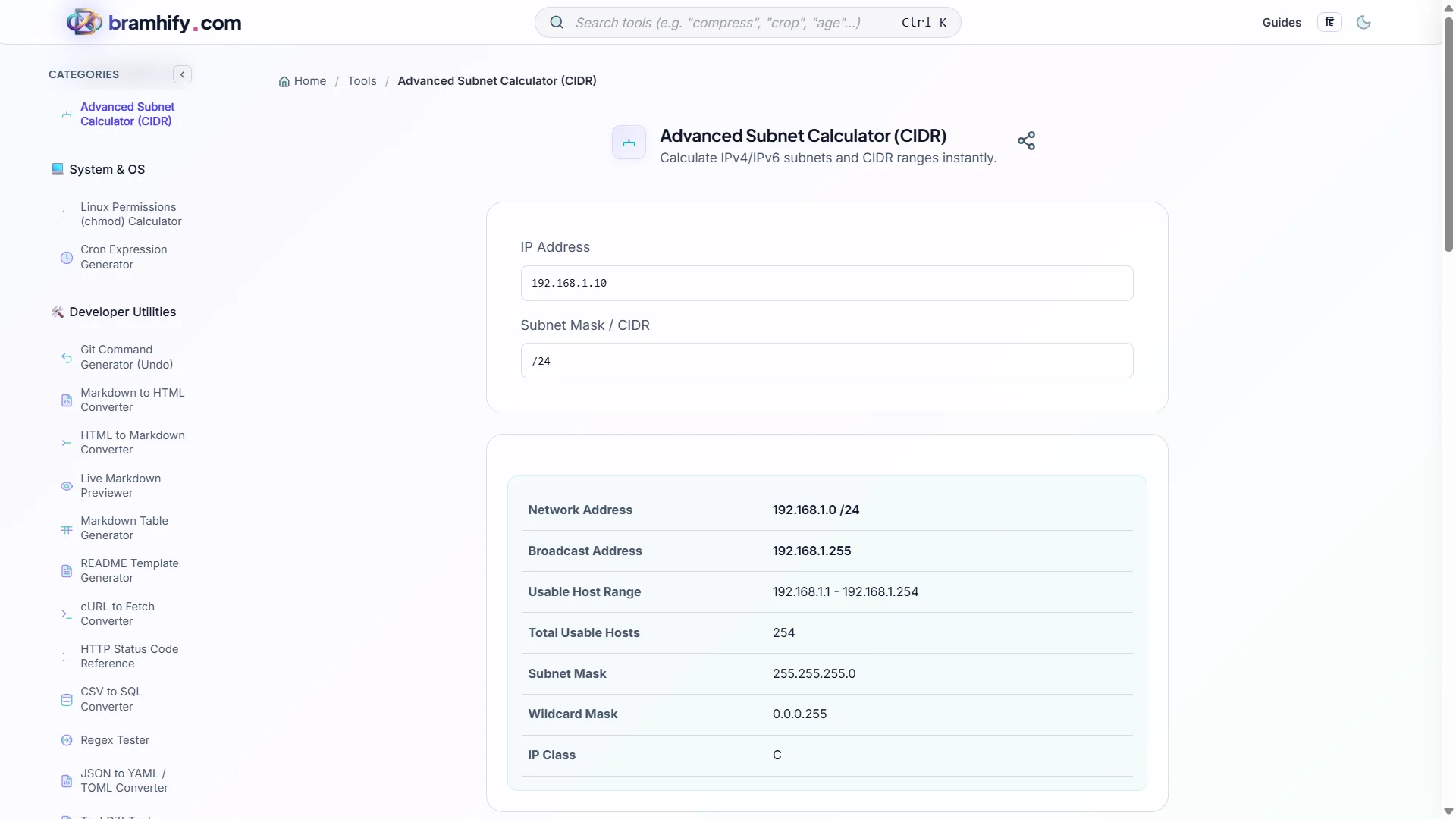
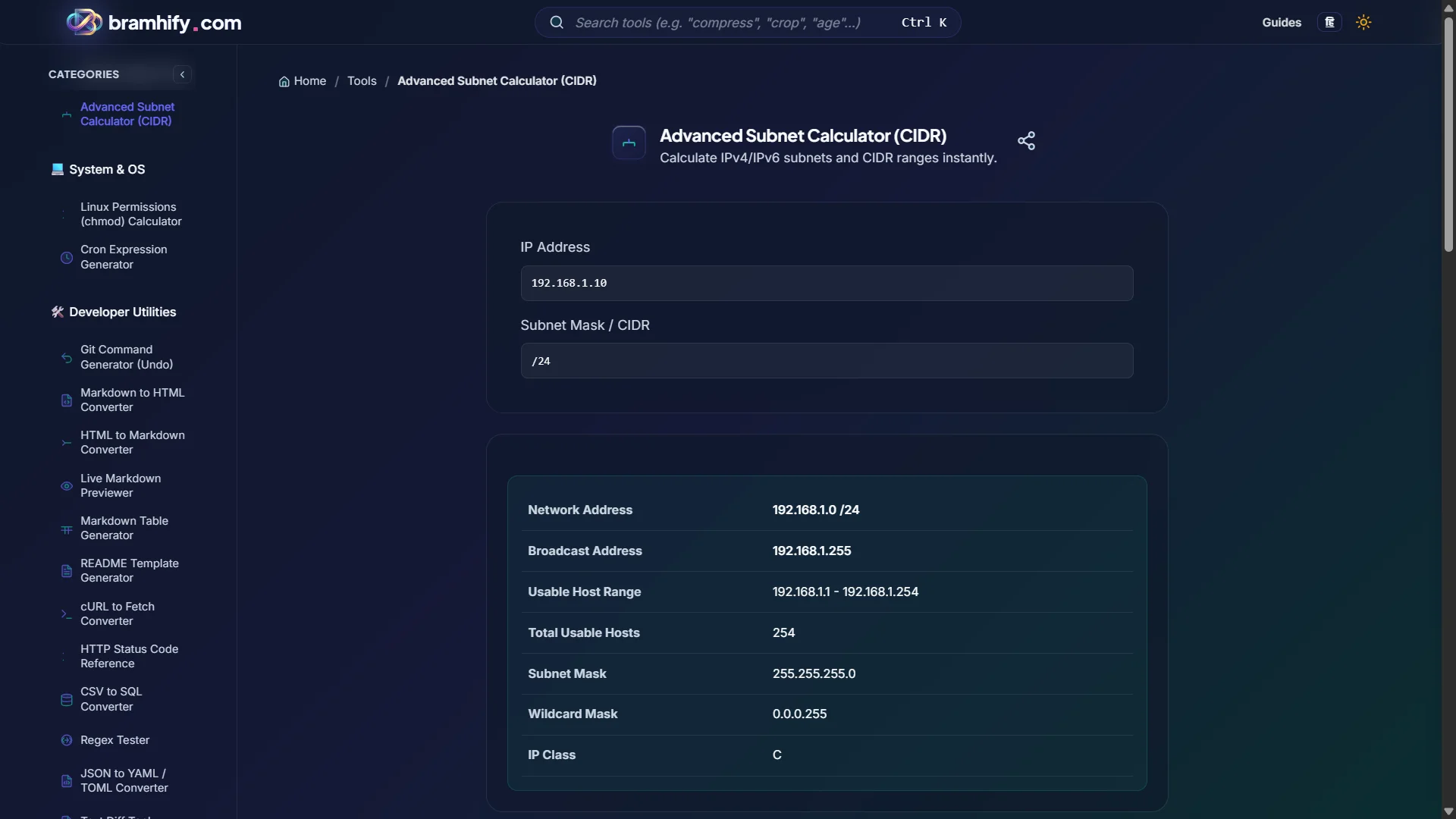
Advanced Subnet Calculator (CIDR):

Step-by-Step Guide
Step 1: Enter Your IP and Prefix
Open the Subnet Calculator and enter any IPv4 address with its CIDR prefix — for example 192.168.1.0/24 or 10.0.0.0/16. The tool accepts both CIDR notation and dotted subnet masks.
Step 2: Read the Network Details
The tool instantly shows you: network address, broadcast address, first usable host, last usable host, total host count, and subnet mask in both dotted decimal and binary. This is the complete picture of your subnet.
Step 3: Verify Before Deploying
Before configuring a cloud VPC, security group rule, or firewall entry, verify your CIDR here first. A 10.0.0.0/8 security group rule allows over 16 million IP addresses — almost certainly not what you intended. Always use the most specific CIDR that covers your actual use case.
Step 4: Plan Subnet Splitting
If you need to divide a larger block into smaller subnets, increment the prefix length. /24 splits into two /25 subnets. /25 splits into two /26 subnets. The calculator shows the exact ranges for each.
Frequently Asked Questions (FAQs)
What is the difference between a network address and a broadcast address?
The network address is the first address in the subnet — all host bits are zero. It identifies the subnet itself and cannot be assigned to a device. The broadcast address is the last address in the subnet — all host bits are one. A packet sent to the broadcast address is delivered to every device on the subnet. Both are reserved, which is why usable hosts = total addresses − 2.
What does 192.168.1.1/24 mean exactly?
It means: the device has IP address 192.168.1.1, and it belongs to the subnet 192.168.1.0/24. The /24 says the first 24 bits (192.168.1) identify the network, and the remaining 8 bits (.0 through .255) are the host range. The /24 is the subnet mask information, not part of the device's IP address itself.
Why do AWS VPCs use 10.x.x.x instead of 192.168.x.x?
Both are valid private IP ranges (RFC 1918). 10.0.0.0/8 gives you over 16 million addresses — enough room to create hundreds of non-overlapping subnets for production, staging, and development environments. 192.168.0.0/16 only gives 65,536 addresses, which runs out quickly in large cloud deployments. AWS recommends 10.0.0.0/8 or 172.16.0.0/12 for VPCs to avoid overlap with common home network ranges.
See also: Linux File Permissions Explained: chmod 755, 644 & Beyond