


Making your first open-source contribution in 2026 is one of the most effective ways to build a world-class engineering portfolio. However, many beginners feel overwhelmed by massive codebases and strict pull request requirements.
The Hidden Risk of Compromised Accounts
Before you start pushing code to public repositories, you must secure your GitHub account. Supply chain attacks are at an all-time high in 2026, and hackers actively target beginner contributors who use weak passwords or leaked SSH keys. If your account is compromised, bad actors can push malicious code under your name, instantly ruining your reputation.
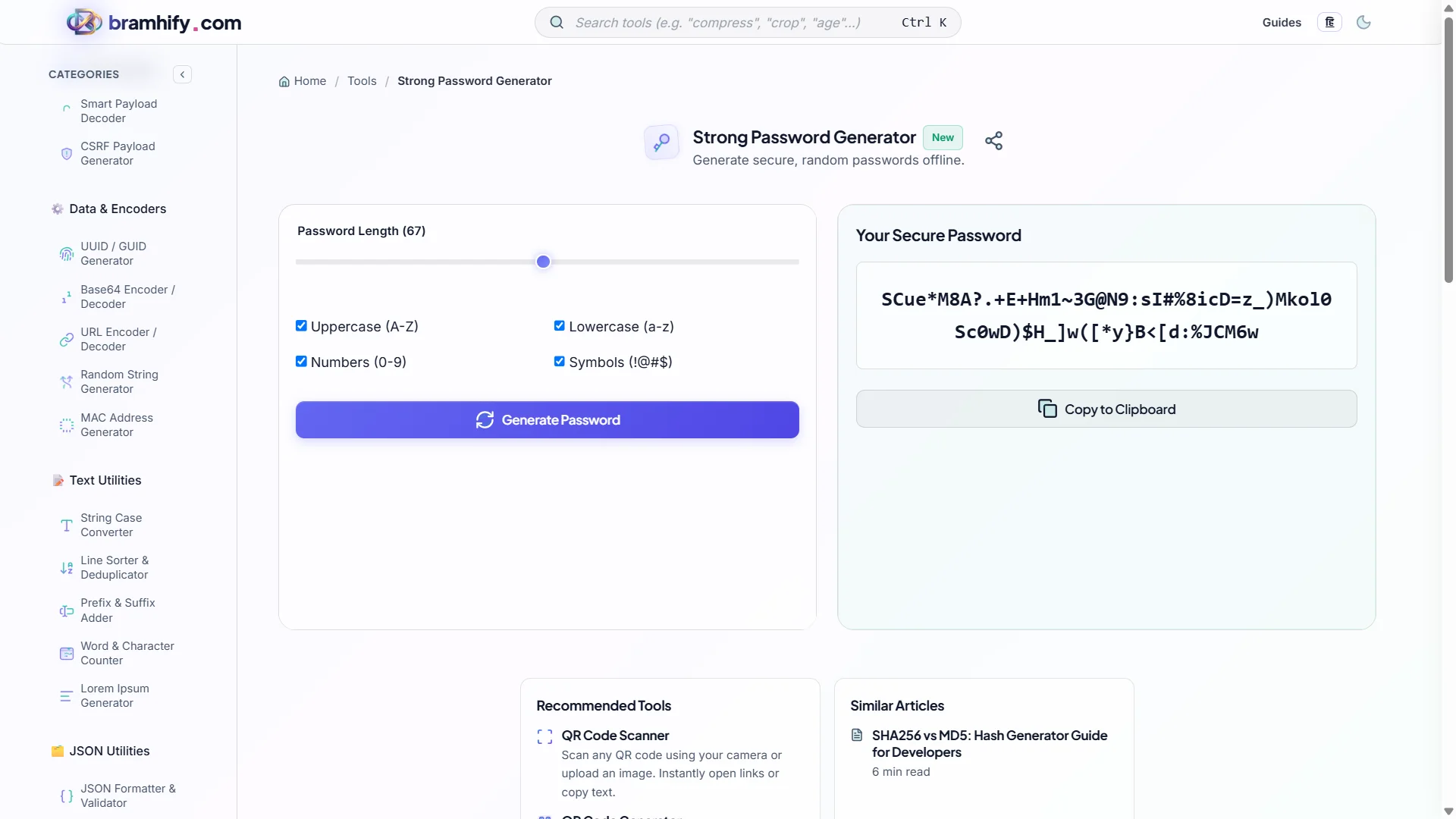
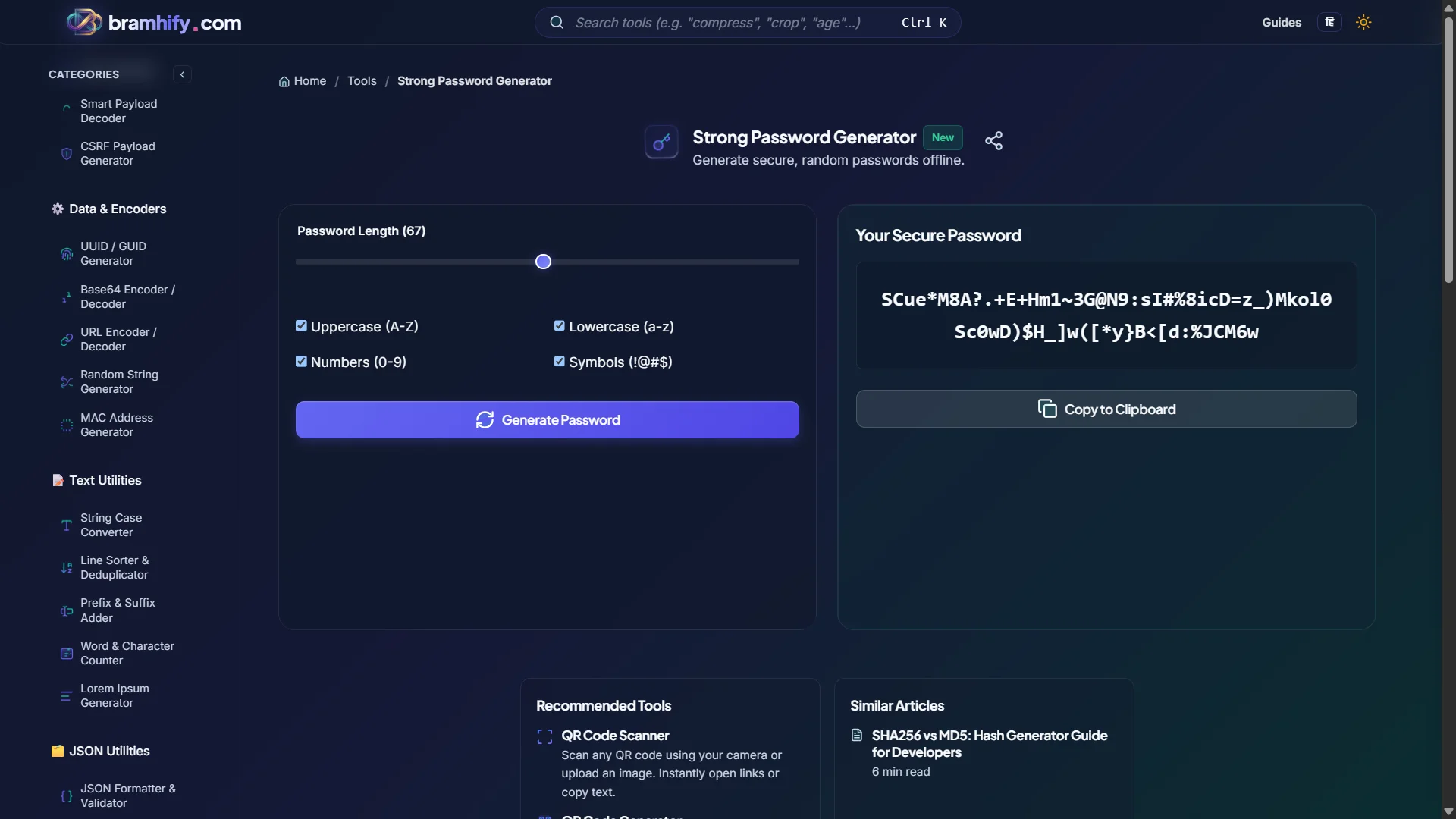
Generating a cryptographically secure password for your GitHub account and 2FA recovery keys is mandatory. But using a cloud-based password generator risks exposing your new master key to server logs or browser extensions. Bramhify's Strong Password Generator solves this by creating keys 100% locally on your device.
Strong Password Generator:

Step-by-Step Guide to Your First PR
Once your account is secured, follow these steps to make your first successful contribution.
Step 1: Secure Your GitHub
Open the Strong Password Generator. Select a length of at least 16 characters including symbols and numbers. Click generate and update your GitHub settings. Enable 2FA immediately.
Step 2: Find "Good First Issues"
Don't randomly browse repositories. Go to github.com and search for the label good first issue in the language you are most comfortable with.
Step 3: Claim the Issue
Before writing any code, leave a comment on the issue saying you would like to work on it. Wait for the maintainer to assign it to you to prevent duplicated effort.
Step 4: Fork, Clone, and Submit
Fork the repository, clone it locally, and create a new branch. Make your changes, ensure all tests pass, and push your branch. Finally, open a Pull Request (PR) explaining exactly what you fixed. Congratulations!
Frequently Asked Questions (FAQs)
What is the best way for open source contribution for beginners 2026?
The best way is to focus on documentation updates or fixing small, labeled "good first issues" on GitHub. Building a relationship with the maintainers by being polite and following their contribution guidelines is just as important as writing good code.
Is this password generator safe to use for GitHub?
Yes, it is 100% safe. Passwords are generated entirely in your browser using the native Web Crypto API. We never see, transmit, or store the passwords you create, making it perfect for securing developer accounts.
What is a strong password?
A strong password is typically at least 16 characters long and includes a random mix of uppercase letters, lowercase letters, numbers, and symbols. Using a generated string is infinitely more secure than using memorable dictionary words.
See also: Fresher's Guide to First Open Source Contributions