


When Vectorizer.ai{:target="_blank" rel="noopener noreferrer"} ended its free beta and moved behind a paid monthly subscription, thousands of designers, Cricut crafters, small-business owners, and indie developers suddenly needed a reliable free way to trace PNG and JPG logos into crisp SVG vectors. If you only convert logos, icons, or sketches occasionally, paying $9.99/month feels hard to justify.
Quick Verdict: Vectorizer.ai vs. Bramhify Image to SVG
| Feature | Vectorizer.ai | Bramhify Image → SVG |
|---|---|---|
| Pricing | Paid subscription (credit/monthly plans) | 100% Free (no limits, no signup) |
| Privacy & Uploads | Cloud server upload (deleted after 24 hours per policy) | 100% Local in Browser (zero uploads) |
| Offline Support | No (requires server inference) | Yes (works offline once loaded) |
| Tracing Engine | Deep-learning neural vectorization | Local deterministic contour tracing + color/blur tuning |
| Best Image Types | Complex illustrations, noisy scans, detailed artwork | Logos, flat icons, line art, signatures, decals |
| Export Options | SVG, EPS, PDF, DXF, PNG | Clean .svg download + 1-tap SVG code copy |
| Watermarks | None (paid) | None |
Where Vectorizer.ai Genuinely Shines
Credit where it is due: Vectorizer.ai{:target="_blank" rel="noopener noreferrer"} built an impressive neural tracing pipeline. If you are converting messy hand-painted illustrations, low-resolution photographs with complex gradients, or print-house files that strictly require .EPS or .DXF export with sub-pixel curve fitting, their paid cloud engine produces cleaner Bezier curves out of the box than any lightweight local tracer.
Where Bramhify Wins (Privacy, Zero Cost & Speed)
For 90% of everyday vector tasks — turning a flat brand logo into an SVG for your website, cleaning up a black-and-white icon for Figma or Canva, tracing a scanned signature, or preparing a single-color decal for Cricut Design Space — you do not need a cloud subscription.
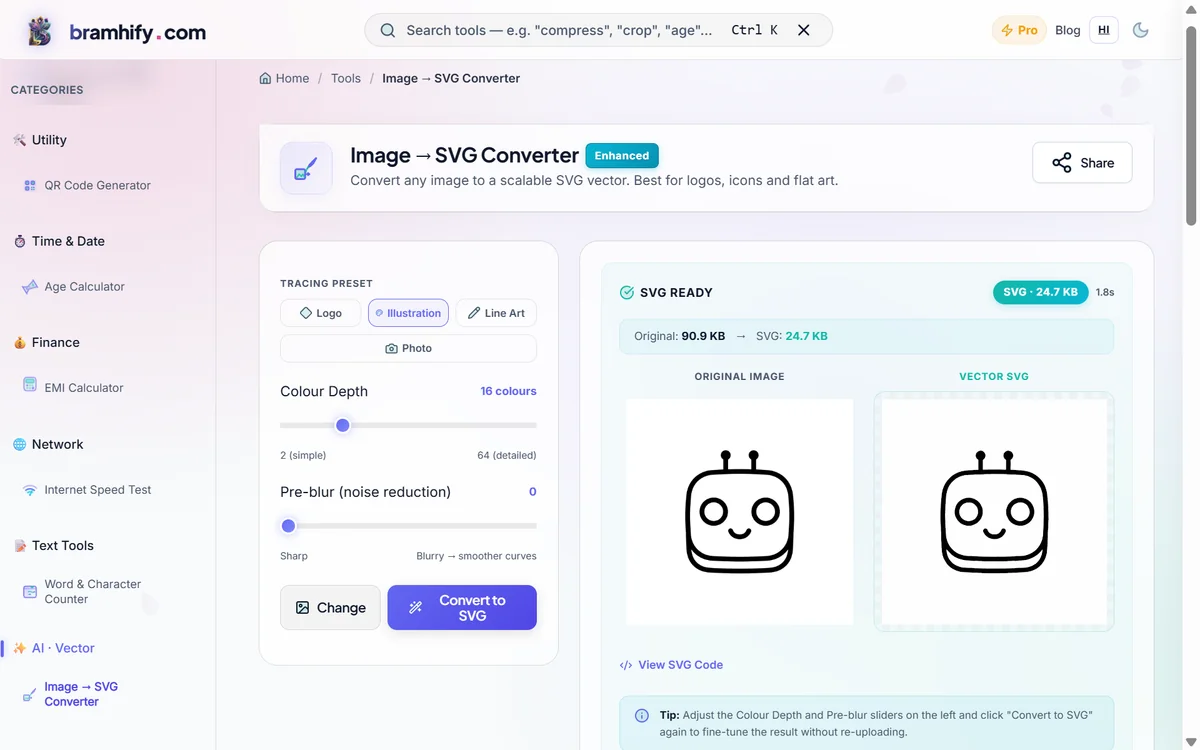
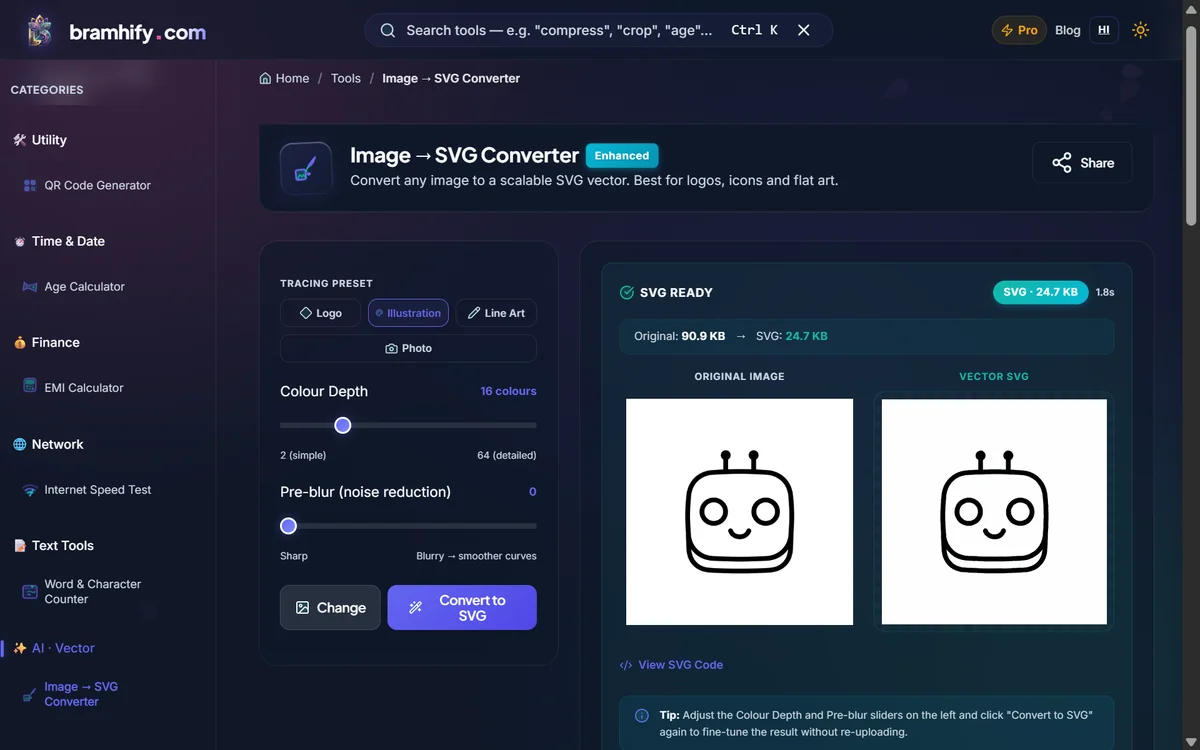
Bramhify's Image → SVG Converter traces your PNG, JPG, or WebP directly inside your browser. Your unreleased client logos, trademark drafts, and personal signatures never touch an external server. You also get live Color Palette Depth and Blur Pre-Processing sliders so you can simplify noisy edges until the vector paths look sharp.
Image → SVG Converter:

Step-by-Step: Converting PNG or JPG to SVG Locally
Step 1: Prepare a Clean Source Image
For best results, remove cluttered backgrounds first using our AI Image Background Remover if your logo sits on a noisy photo. High-contrast flat graphics trace dramatically cleaner.
Step 2: Drop Your Image Into Bramhify
Open the Image → SVG Converter and upload your PNG, JPG, or WebP file. Everything stays inside your browser's memory with zero upload wait time.
Step 3: Tune Color Depth & Blur
Lower the Color Depth slider (2–8 colors) for minimalist logos, monochrome icons, or Cricut vinyl cuts to eliminate stray artifact paths. Add a small amount of Blur to smooth out jagged JPEG compression pixels before tracing.
Step 4: Download SVG or Copy Raw Code
Inspect the side-by-side preview, then tap Download SVG for Canva, Figma, Illustrator, or Cricut — or copy the raw <svg> markup straight into your HTML/React project.
Honest Limitations
To keep this comparison transparent, here are three areas where paid cloud tools or desktop software still win:
- Photorealistic portraits & complex gradients: Local contour tracing works best on logos, icons, line art, and flat illustrations — not realistic camera photos.
- No
.EPSor.DXFCAD export: Bramhify exports standard.svgfiles only (you can import those SVGs into free Inkscape if a print shop insists on.eps). - Very high-resolution noisy scans: Extremely large multi-megapixel scans take longer on budget mobile devices because processing runs on your own CPU.
Final Verdict
- Use Vectorizer.ai if you vectorize dozens of complex multi-gradient illustrations every week for print production and need
.EPS/.DXFexports. - Use Bramhify Image → SVG if you want a free, unlimited, zero-upload converter for logos, icons, signatures, web graphics, and Cricut SVGs without creating an account.
Want to digitize a handwritten signature into a transparent SVG? Read our Signature to Vector SVG Guide or our full Image-to-Vector Tutorial.
Frequently Asked Questions (FAQs)
Is Bramhify Image to SVG completely free with no watermarks?
Yes. You can convert unlimited PNG, JPG, and WebP graphics to clean SVG files with zero watermarks, zero daily quotas, and no signup required.
Are the generated SVGs compatible with Cricut Design Space, Canva, and Figma?
Yes. Bramhify outputs standard W3C SVG vector paths that import directly into Cricut Design Space, Canva, Figma, Adobe Illustrator, and Inkscape. For single-layer Cricut cuts, reduce the color palette slider to 2 colors before exporting.
Why is browser-local tracing safer for client logos and signatures?
Unreleased brand logos, NDA design assets, and personal signatures are confidential. Because Bramhify traces images entirely inside your device's browser memory, zero image data is ever uploaded to a remote server.