


Nothing delays a passport renewal or international visa application faster than a rejected photo — off by 2 millimeters, wrong head-to-chin ratio, or low DPI. Every country enforces its own exact millimeter or inch dimensions, and pharmacy kiosks charge $15–$20 for four tiny prints you can easily prepare at home in two minutes.
Why You Should Never Upload Passport Photos to Random Websites
Your passport photo is high-resolution biometric facial data. Many free "passport photo makers" upload your full-resolution face photo to remote servers, retain copies in temporary buckets, or lock the unwatermarked download behind a sudden paywall right at the final step.
Bramhify's Passport Photo Maker runs 100% locally in your browser — your face photo never leaves your phone or laptop. All 8 official country presets (at crisp 300 DPI), oval face-framing guides, and printable 4×6-inch photo sheets are completely free with zero watermarks.
Passport Photo Maker:
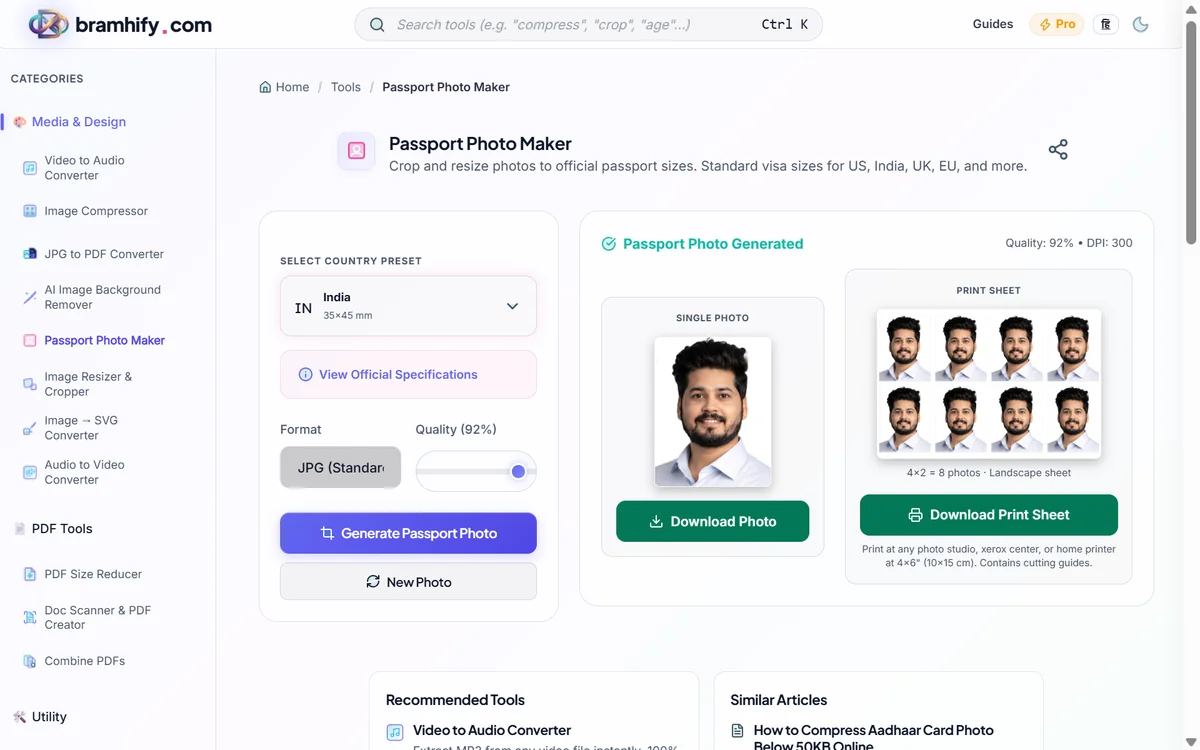
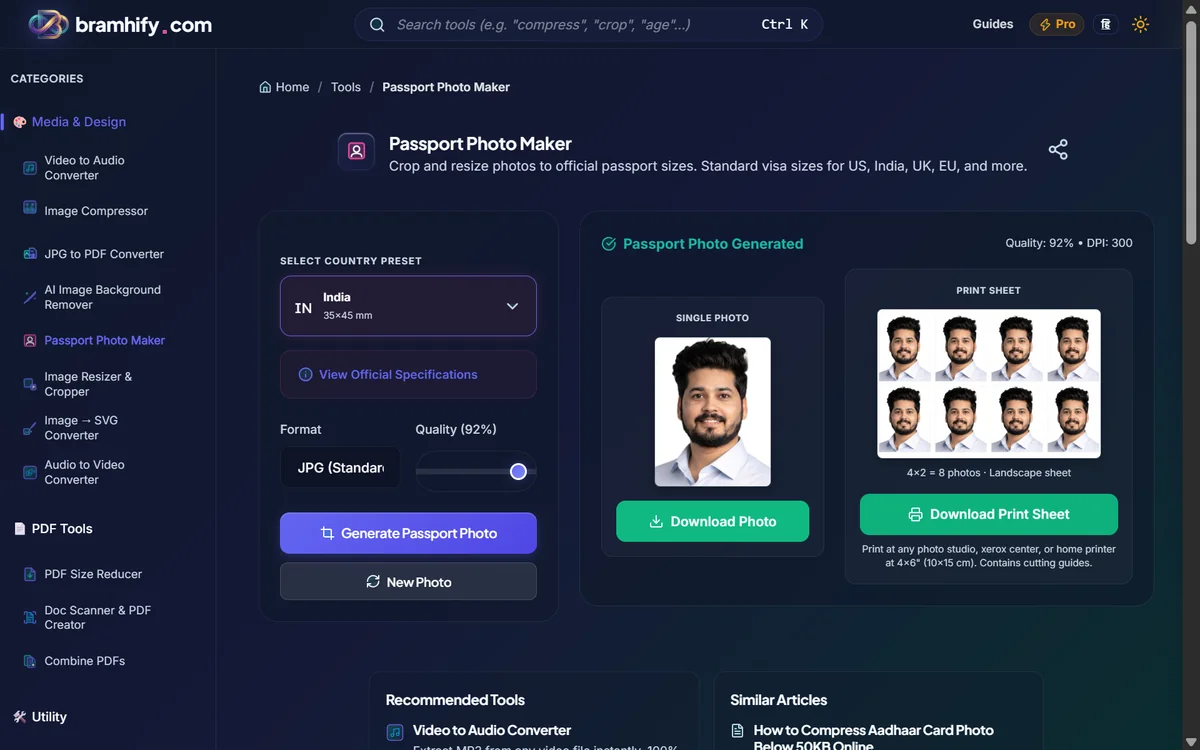

Official Passport & Visa Photo Size Chart (2026 Reference)
Bookmark this table when preparing digital uploads or 300 DPI print sheets for any major travel destination:
| Country / Region | Official Print Size | Pixels at 300 DPI | Background Color | Key Compliance Notes |
|---|---|---|---|---|
| United States (US) | 2 × 2 in (51 × 51 mm) | 600 × 600 px | Plain White | Head height 1–1.375 in (50–69%); no glasses allowed |
| United Kingdom (UK) | 35 × 45 mm | 413 × 531 px | Light Grey / Cream | Neutral expression; mouth closed; eyes open and visible |
| Schengen / EU | 35 × 45 mm | 413 × 531 px | Light Grey / Off-White | Face covers 70–80% of photo height; zero shadows behind ears |
| Canada | 50 × 70 mm | 591 × 827 px | Plain White | Strictest tall aspect ratio; chin-to-crown 31–36 mm |
| Australia | 35 × 45 mm | 413 × 531 px | Plain White / Light Grey | Head height 32–36 mm; no glare or hats |
| India (Passport / Visa) | 2 × 2 in (51 × 51 mm) | 600 × 600 px | Plain White | Passport Seva & OCI use 2×2 in; Indian Govt exams use 3.5 × 4.5 cm |
| UAE (Visa / Emirates ID) | 43 × 55 mm / 35 × 45 mm | 508 × 650 px | Plain White | Recent photo (< 6 months); front-facing, both shoulders visible |
| China (Visa / Passport) | 33 × 48 mm | 390 × 567 px | Plain White | Narrow tall ratio; dark clothing recommended for contrast against white |
Step-by-Step: Make a Compliant Passport Photo at Home
Step 1: Take a Well-Lit Front-Facing Photo
Stand about 1 meter away from a plain wall facing a window (natural daylight prevents harsh shadows behind your ears). Keep a neutral expression, look straight into the camera, and remove eyeglasses. If your background is cluttered, clean it to pure white first with our AI Image Background Remover — Bramhify's Passport Photo Maker handles cropping and sizing, while the Background Remover handles cutout replacement.
Step 2: Select Your Country Preset
Open the Passport Photo Maker, upload your photo from your phone or laptop, and tap the official country preset (US, UK, EU/Schengen, Canada, Australia, India, UAE, or China). The crop frame automatically locks to that country's exact aspect ratio.
Step 3: Align Your Face With the Oval Guide
Drag and zoom your photo until your chin and crown sit comfortably inside the built-in oval silhouette guide and your eyes remain level.
Step 4: Export 300 DPI Single Photo or Printable 4×6 Sheet
Download either the single high-resolution 300 DPI digital file (ready for online embassy portals) or the 4×6-inch print sheet with cut guides so you can print 4–8 copies for pennies at any local photo shop. If an online visa portal also caps file size (e.g., under 240 KB or 50 KB), pass your finished photo through our Image Compressor.
Preparing photos specifically for Indian UPSC, SSC, or State PSC portals? Read our 3.5×4.5cm Exam Photo Guide or How to Remove Background for ID Photos.
Frequently Asked Questions (FAQs)
Does Bramhify automatically remove or whiten my photo background?
No — the Passport Photo Maker focuses on official aspect-ratio cropping, face framing, 300 DPI export, and 4×6 print sheets. If you need a clean white or light-grey background first, run your selfie through our free AI Image Background Remover in 10 seconds before cropping.
Why does 300 DPI matter for passport and visa prints?
Embassies and photo kiosks print at 300 dots per inch (DPI). Exporting a 600×600 px image for a 2×2 inch US passport ensures every millimeter prints sharp without pixelation or automatic rejection.
Can I print the 4×6-inch sheet at Walgreens, CVS, Boots, or a local studio?
Yes. Standard 4×6-inch (10 × 15 cm) photo paper is the universal cheapest print size worldwide. Select "Do not crop / Fit to page" at the print kiosk, then cut along the guide lines.
Is my biometric photo stored anywhere after I download it?
Never. Everything runs locally inside your browser using HTML5 Canvas. Closing the tab clears your photo from memory completely.